
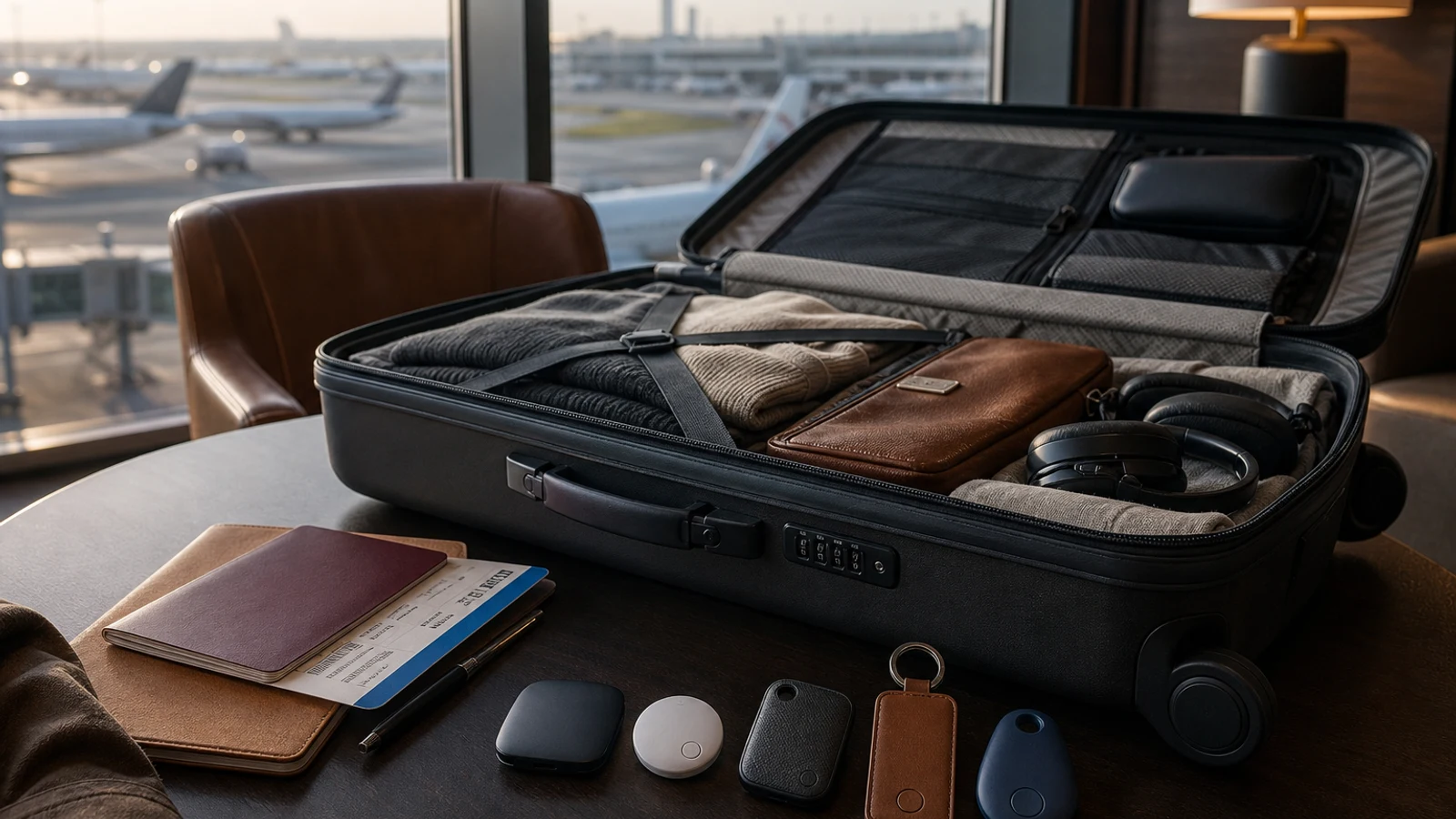
For iPhone travelers, the second-generation Apple AirTag is the simplest overall choice because it works with the large Find My network, supports Precision Finding, and lets you share a lost bag’s location with participating airlines. Samsung Galaxy owners should choose Galaxy SmartTag2. For mixed iPhone-and-Android households, Chipolo POP or Pebblebee Clip Universal offer more flexibility, while Tile Pro is a strong cross-platform option with a loud ring, replaceable battery, and rugged IP68 construction.
At A Glance
| Decision Point | Best Use Case | Product Recommendation |
|---|---|---|
| iPhone travelers | Largest familiar finding network and Precision Finding | Apple AirTag |
| Samsung Galaxy owners | SmartThings Find, replaceable battery, UWB on supported phones | Galaxy SmartTag2 |
| Mixed-platform households | Apple Find My or Google Find Hub setup | Chipolo POP |
| Loud nearby alert | 110 dB ring and replaceable battery | Tile Pro |
| Rechargeable design | USB-C charging and built-in clip | Pebblebee Clip Universal |
| Airline recovery | Temporary location link for supported carriers | AirTag or compatible Find Hub tracker |
| Rugged water protection | IP68-rated construction | Tile Pro |
How We Chose These Luggage Trackers
This is a research-based buying guide, not a hands-on test. The picks reflect manufacturer specifications, compatibility, finding-network features, battery design, water resistance, attachment options, and travel-specific recovery tools. None uses built-in GPS or cellular service. Each broadcasts Bluetooth, which nearby compatible phones can detect and relay through a crowdsourced network.
Compatibility matters more than theoretical range. AirTag is a poor choice for Android users, while Galaxy SmartTag2 is a poor choice without a Samsung Galaxy device. A tracker with greater advertised range cannot overcome an incompatible or sparsely used finding network.
The Federal Aviation Administration permits Bluetooth baggage trackers in checked luggage when their installed batteries meet specified lithium-battery limits, but advises travelers to check airline rules. International requirements can vary.
- Best Overall For iPhone: Apple AirTag
- Best For Samsung Galaxy: Samsung Galaxy SmartTag2
- Best Cross-Platform Pick: Chipolo POP
- Best For Loud Nearby Finding: Tile Pro
- Best Rechargeable Cross-Platform Option: Pebblebee Clip Universal
1. Apple AirTag — Best Overall For iPhone Travelers
The second-generation Apple AirTag is the easiest recommendation for most iPhone travelers. It uses Apple’s Find My network, supports Precision Finding with compatible Apple devices, has a replaceable CR2032 battery, and retains the compact form factor of the previous model. Apple says it offers a longer finding range, a louder speaker, and Precision Finding from farther away than the prior generation.
Its travel-specific advantage is Share Item Location. When a bag is delayed or mishandled, an iPhone user can create a temporary webpage showing the tag’s location and share it with an airline. Apple says more than 50 airlines have partnered to accept these links, although procedures and staff familiarity can differ.
The tag has no built-in keyring, so it needs an accessory or secure interior pocket. It is water- and dust-resistant, but should not be placed where it can be crushed or separated from the suitcase. AirTag requires compatible Apple hardware for setup and best features, and location updates depend on nearby Apple devices.
- Best for: iPhone owners who want a familiar finding network and airline-sharing tools.
- Key strengths: Find My network, Precision Finding, replaceable battery, accessory ecosystem.
- Main drawback: Requires Apple hardware for setup and has no built-in attachment loop.
2. Samsung Galaxy SmartTag2 — Best For Samsung Galaxy Phones
Galaxy SmartTag2 is the natural choice for Samsung Galaxy owners. It works through SmartThings Find and the Galaxy Find Network, includes a built-in attachment opening, uses a replaceable CR2032 battery, and is rated IP67 for dust and water resistance. Samsung lists up to 500 days of normal battery life and up to 700 days in Power Saving Mode, which limits some functions.
The tag offers nearby finding with audible alerts and compass-style guidance on compatible Galaxy devices. Certain Samsung phones with Ultra Wideband support can provide more precise directions, useful when a suitcase is in a crowded baggage area.
SmartTag2 suits travelers already using Samsung’s ecosystem. Its replaceable battery and integrated loop simplify repeated trips. The limitation is platform lock-in: setup requires a compatible Galaxy smartphone or tablet and Samsung account. Coverage also depends on opt-in Galaxy devices near the tag.
- Best for: Samsung Galaxy owners who want SmartThings integration and long battery life.
- Key strengths: Replaceable battery, built-in loop, IP67 rating, UWB-assisted finding on supported phones.
- Main drawback: Limited to the Samsung Galaxy ecosystem.
3. Chipolo POP — Best Cross-Platform Choice For Mixed Households
Chipolo POP can be paired with Apple Find My on iPhone or Google Find Hub on Android. It has a built-in keyring hole, a replaceable CR2032 battery rated for up to one year, and a loud approximately 120-decibel ring.
POP can use only one network at a time. It is therefore cross-platform over its lifetime, rather than a single tag that iPhone and Android users can independently manage simultaneously.
The attachment point and loud alert are practical for travel. Chipolo lists a 90-meter Bluetooth range in ideal conditions, but that describes direct Bluetooth communication, not expected airport distance. Once a bag is out of range, the remote finding network matters more.
POP is rated IP55, protecting against dust and water splashes but offering less resistance to immersion than the IP67 and IP68 options here. Travelers expecting heavy rain or wet baggage belts may prefer a more heavily sealed tracker.
- Best for: Travelers who may switch between iPhone and Android or share gear across platforms.
- Key strengths: Apple Find My or Google Find Hub, loud ring, replaceable battery, built-in attachment point.
- Main drawback: One network at a time and modest IP55 protection.
4. Tile Pro — Best For A Loud Ring And Replaceable Battery
The current Tile Pro works with both iPhone and Android through the Life360 app. The 2024 model has a built-in attachment loop, replaceable battery, louder ring than smaller Tile models, and IP68 water resistance. Life360 lists up to 500 feet of Bluetooth range in ideal conditions and up to one year of battery life.
Its loud speaker helps when a nearby bag is hidden behind furniture, under a baggage cart, or among similar suitcases. The replaceable battery also makes the Pro practical for repeated trips.
Tile relies on the Tile and Life360 ecosystem rather than Apple Find My or Google Find Hub. That can suit households already using Life360, but location relay depends on nearby phones running the relevant services. Optional paid Life360 features should not be treated as part of the tracker’s core travel value.
Tile Pro is sensible for mixed-platform families wanting a loud alert. It is less compelling when airline-facing location sharing through Apple or Google is the priority.
- Best for: Mixed-platform households that value a loud alert and replaceable battery.
- Key strengths: 110-decibel ring, built-in loop, replaceable battery, IP68 rating.
- Main drawback: Uses the Tile/Life360 network.
5. Pebblebee Clip Universal — Best Rechargeable Option
Pebblebee Clip Universal suits travelers who prefer USB-C charging over disposable coin cells. It can be set up with Apple Find My or Google Find Hub, weighs about 8 grams, includes an integrated clip, and has a rechargeable battery rated for up to 12 months per charge. Pebblebee lists IPX6 water resistance, which protects against strong splashes but not submersion.
The clip attaches easily to a suitcase handle or interior strap. Rechargeable operation is convenient for tracking several bags, but it requires charging before travel. Because it uses either Apple’s or Google’s network, it can fit different phone ecosystems over time.
The Clip Universal connects to only one network at a time and lacks Ultra Wideband, so nearby finding is less directionally precise than compatible AirTag or SmartTag2 setups. Confirm that you are buying the Universal version; older iOS-only and Android-only Clip models do not offer the same flexibility.
- Best for: Travelers who want a rechargeable tag with Apple or Google network support.
- Key strengths: USB-C charging, built-in clip, light weight, up to 12 months of claimed battery life.
- Main drawback: No UWB and only one active finding network.
What To Look For In A Luggage Tracker
Start with compatibility, not range. Apple Find My, Google Find Hub, Samsung SmartThings Find, and Tile use different networks. Confirm the owner’s phone brand and operating system before buying.
Consider airline recovery next. Apple and Google allow temporary location links for supported carriers and regions, which can be more useful for checked luggage than a louder speaker when the bag is far away.
Battery design matters for frequent travelers. Replaceable CR2035 models are easy to refresh before a trip, while rechargeable models reduce battery waste but require a charging routine. Check either type before departure.
Water resistance helps with rain, wet conveyor belts, and spills, but an IP rating is not indestructibility. Place the tracker in a protected pocket or secure holder.
- Confirm the phone ecosystem before buying.
- Prefer a built-in loop or clip for checked luggage.
- Check battery status before every flight.
- Use a tracker as a recovery aid, not a guarantee of real-time location.
- Check FAA guidance and your airline’s current international policy.
Which Luggage Tracker Should You Buy?
Buy Apple AirTag for an iPhone and Galaxy SmartTag2 for a Samsung Galaxy phone. AirTag emphasizes network coverage, nearby precision, accessories, and airline-sharing support, while SmartTag2 adds an integrated loop, replaceable battery, and SmartThings features.
Chipolo POP fits travelers who want Apple Find My or Google Find Hub. Tile Pro suits households invested in Life360 or shoppers prioritizing a loud nearby ring. Pebblebee Clip Universal is the rechargeable alternative for travelers who want a built-in clip.
Place the tracker inside the luggage rather than relying only on an external tag. Add contact information to the bag, keep valuables and medication in your carry-on, and use the tracker’s location as supporting evidence in the airline’s baggage process.
Check current Amazon options →Questions & Answers
Practical follow-up questions readers often ask before acting or buying.
Do luggage trackers use GPS?
No. AirTag, SmartTag2, Tile, Chipolo POP, and Pebblebee Clip are Bluetooth item trackers. They report their approximate location when a nearby compatible phone detects them. They do not provide continuous GPS or cellular tracking.
Can I put a luggage tracker in checked baggage?
Generally, Bluetooth luggage trackers are allowed in checked baggage when their installed batteries meet applicable lithium-battery limits. The FAA advises checking with your airline, and international carriers may have stricter rules.
Which luggage tracker works best internationally?
The best choice is usually the tracker that matches your phone ecosystem and has good coverage where you are traveling. AirTag is the strongest default for iPhone users, while Google Find Hub-compatible models are better for many Android users. No network guarantees updates in every country or airport.
Can airlines track my AirTag or other tracker?
Some airlines can receive a temporary item-location link from Apple Find My or Google Find Hub. This does not mean every airline supports the feature or that an airline will continuously monitor the tag. Contact the carrier through its baggage process and provide the location link when requested.
Should I use more than one tracker in my suitcase?
Usually, one compatible tracker is enough. Adding a second tag from another network may provide redundancy, but it also adds cost, setup work, and additional batteries. A second tracker is most useful when two travelers use different phone ecosystems and both need access.
Sources & Further Reading
Apple introduces new AirTag with expanded range and improved findability - Apple
Galaxy SmartTag2, Black Mobile Accessories - EI-T5600BBEGUS | Samsung US
PackSafe - Baggage Equipped with Lithium Batteries | Federal Aviation Administration
Best key finder in 2026: AirTag, Tile, Chipolo, Pebblebee and more compared