
For most large homes, the TP-Link Deco BE63 offers the strongest balance of Wi-Fi 7 performance, coverage, multi-gig Ethernet and practical features. Choose the NETGEAR Orbi 770 for broad wireless coverage, ASUS ZenWiFi BQ16 Pro for premium capacity and controls, or eero Pro 7 for simple setup. Homes with 10Gbps networking should consider the TP-Link Deco BE85, ASUS ZenWiFi BT10, eero Max 7 or BQ16 Pro.
What To Look For In A Large-Home Mesh System
Square footage is only part of the equation. Floor count, wall materials, router placement, internet speed and Ethernet availability all affect performance. Coverage estimates help compare systems, but concrete, brick, metal, dense insulation and poor placement can reduce range.
Tri-band systems are usually the safest starting point because they provide more capacity for communication between nodes and client devices. Quad-band models make more sense for especially large, busy or multi-gigabit homes. Wi-Fi 7 features such as Multi-Link Operation and 320MHz channels also require compatible client devices.
Wired backhaul is one of the most useful upgrades. Ethernet between nodes reduces the performance penalty of wireless communication. If wiring is impossible, choose a system with strong wireless backhaul and place each node where it still receives a good signal from the previous one.
- Check coverage for the exact pack size.
- Match Ethernet ports to your internet plan and wired devices.
- Check whether security or parental controls require a subscription.
- Place satellite nodes between the router and weak area, not in the dead zone.
TP-Link Deco BE63: Best Overall For Most Large Homes
The TP-Link Deco BE63 is a balanced choice for households that want Wi-Fi 7 without immediately buying the most expensive 10Gbps hardware. It is a tri-band system with 6GHz, claimed coverage of up to 5,800 square feet, support for more than 200 devices and four 2.5Gbps WAN/LAN ports per unit. Those ports support multi-gig internet, wired backhaul and fast local devices.
The Deco platform can also expand with compatible Deco units, which is useful for detached rooms, basements or garages. Its limitation is that it is not aimed at the largest homes or 10Gbps networks. Choose it for high capacity and flexible Ethernet rather than maximum wired speed.
- Best for: Most large homes with multi-gig internet.
- Why it stands out: Four 2.5Gbps ports and Wi-Fi 7 in a versatile tri-band design.
- Limitation: Not designed around 10Gbps Ethernet or the largest coverage claims.
NETGEAR Orbi 770: Best For Broad Wireless Coverage
The NETGEAR Orbi 770 suits large, multi-floor homes where wireless coverage is the priority. Its three-pack is rated for up to 8,000 square feet and uses tri-band Wi-Fi 7 with 2.5Gbps Ethernet. It offers broader claimed coverage than many two-node systems without the cost and complexity of the flagship Orbi 970.
The router-and-satellite layout works well when running Ethernet is impractical. It is also better suited than entry-level dual-band systems to homes with simultaneous streams, video calls, cameras and smart-home devices. The trade-offs are less enthusiast-oriented customization and the need to review software and security features carefully, especially if you want advanced controls without recurring fees.
- Best for: Large multi-floor homes without Ethernet in every room.
- Why it stands out: Up to 8,000 square feet in a three-pack.
- Limitation: Less attractive for extensive local network customization.
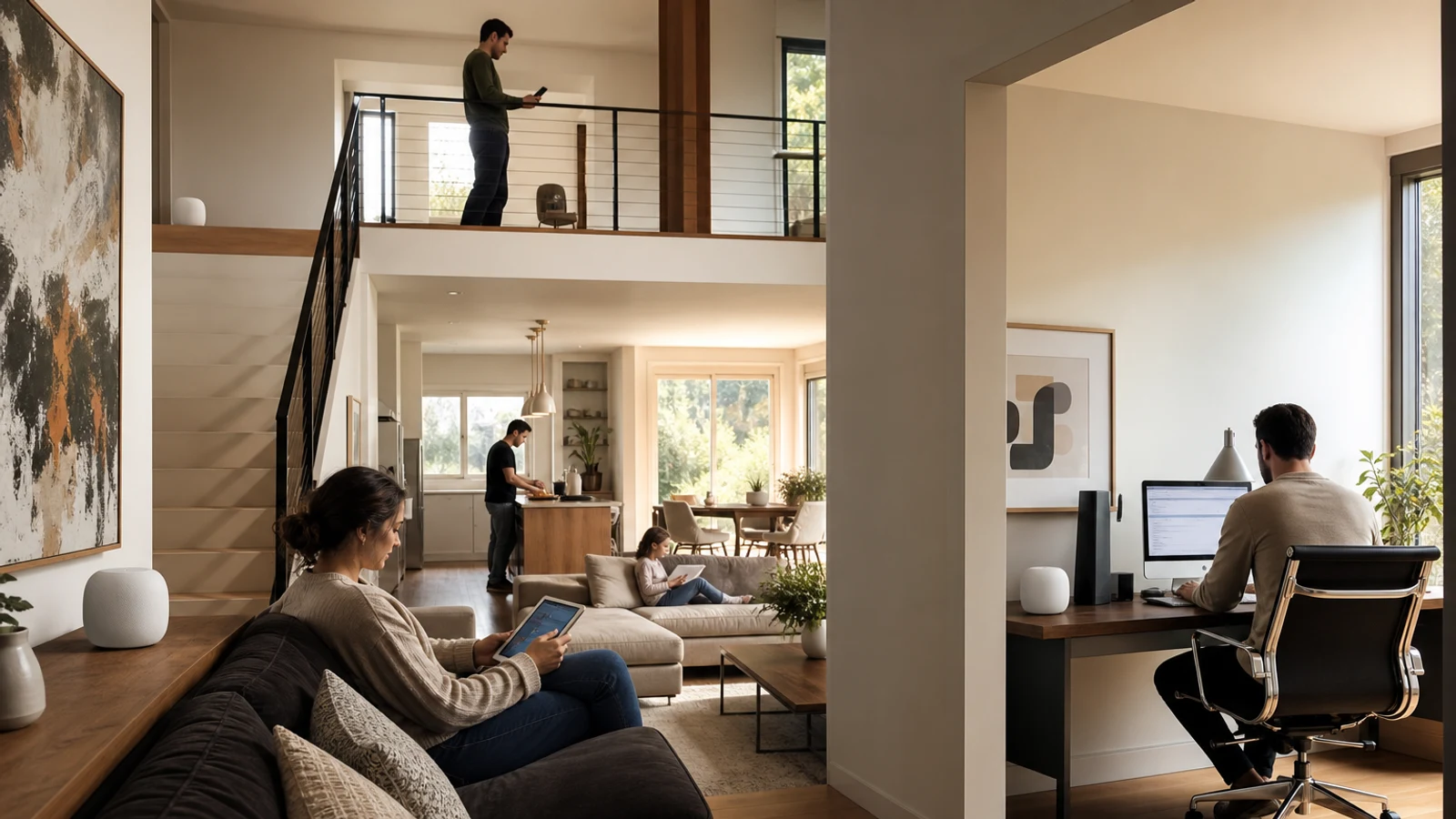
Compare options as you read
Explore options related to this guide. Check the exact product, seller, specifications and current price on Amazon. Image is illustrative.
As an Amazon Associate I earn from qualifying purchases.
ASUS ZenWiFi BQ16 Pro: Best Premium System For Congested Homes
The ASUS ZenWiFi BQ16 Pro targets homes with many devices, heavy local traffic and advanced network-control needs. Its quad-band Wi-Fi 7 design supports Multi-Link Operation, includes dual 10Gbps ports and is rated for up to 8,000 square feet with a two-pack. AiMesh expansion, multi-SSID tools, VPN options, parental controls and subscription-free security features add flexibility.
The extra band and 10Gbps connectivity suit homes with high-speed fiber, servers or multiple wired workstations. The drawback is overbuying: many homes lack enough Wi-Fi 7 clients or internet bandwidth to justify it. It is for shoppers who understand why they need premium capacity.
- Best for: High-device-count homes and 10Gbps networks.
- Why it stands out: Quad-band Wi-Fi 7, dual 10Gbps ports and subscription-free security tools.
- Limitation: Excessive for ordinary broadband or lightly used homes.
eero Pro 7: Best For Simple Setup And Management
The eero Pro 7 is the easiest choice for shoppers who want low-maintenance management. Each unit supports Wi-Fi 7, two 5Gbps Ethernet ports, more than 200 connected devices and up to 2,000 square feet according to the manufacturer. A three-pack suits many medium-to-large homes, especially when a straightforward phone app matters more than individual radio settings.
It also fits households already using eero or Amazon smart-home products, with support for Alexa, Thread, Zigbee and Matter-related features. The main compromise is control: some advanced security, privacy and parental-management tools require eero Plus. Its Ethernet capacity also makes it unsuitable for a 10Gbps wired network.
- Best for: Families that want easy setup and automatic management.
- Why it stands out: Simple app experience, Wi-Fi 7 and two 5Gbps ports per unit.
- Limitation: Some advanced controls require eero Plus.
TP-Link Deco BE85: Best For 10Gbps Wired Backhaul
The TP-Link Deco BE85 is designed for very fast wired networking. This tri-band Wi-Fi 7 system offers 10Gbps connectivity, support for more than 200 devices and claimed coverage of up to 9,600 square feet for a three-pack. Its port selection is especially useful when nodes connect by cable.
It suits homes with structured wiring, a 10Gbps fiber plan, a NAS or several high-speed workstations. Wireless mesh is possible, but wired backhaul remains preferable when available. The limitation is that compatible Wi-Fi 7 clients, switches, cabling and multi-gig service are needed to make the hardware worthwhile.
- Best for: 10Gbps internet, wired backhaul and NAS users.
- Why it stands out: 10Gbps connectivity and up to 9,600 square feet.
- Limitation: Unnecessary without compatible networking equipment.
ASUS ZenWiFi BT10: Best For A 10Gbps AiMesh Network
The ASUS ZenWiFi BT10 is a premium tri-band Wi-Fi 7 system with a 10Gbps WAN/LAN port, separate 10Gbps LAN port, additional 1Gbps port and USB connectivity. ASUS rates a two-pack for up to 6,000 square feet and a three-pack for up to 8,400 square feet. It is a strong fit for shoppers who want high-speed wired links and ASUS AiMesh controls.
VPN configurations, traffic management, parental controls, USB storage and mobile tethering provide more flexibility than simpler platforms. The compromise is that it lacks the BQ16 Pro’s four-band structure and is more complicated than eero. Choose it when port flexibility and ASUS software matter.
- Best for: ASUS users building a flexible 10Gbps network.
- Why it stands out: Dual 10Gbps ports, AiMesh expansion and extensive controls.
- Limitation: More configuration-heavy than eero.
eero Max 7: Best High-End Choice For Eero Users
The eero Max 7 combines eero’s simple software with hardware for demanding local traffic. Each unit has two 10Gbps and two 2.5Gbps ports, supports more than 250 devices and is rated for up to 2,500 square feet. It supports Wi-Fi 7 and can provide wired speeds up to 9.4Gbps under suitable conditions.
It is a better fit than the Pro 7 for 10Gbps wired devices, advanced smart-home installations and homes needing more Ethernet at each node. The drawbacks are premium pricing, optional subscription features and a tri-band rather than quad-band design. Buy it when you specifically want eero management with 10Gbps-class ports.
- Best for: High-end eero networks and 10Gbps plans.
- Why it stands out: Two 10Gbps and two 2.5Gbps ports per unit.
- Limitation: Premium pricing and optional subscription features.
How To Choose The Right System For Your Home
Start with layout rather than Wi-Fi generation. A two-story home with Ethernet between floors may perform better with a smaller wired system than an expensive kit using a weak wireless link. Sprawling or unusually shaped homes may benefit more from three nodes than a powerful two-pack because placement often matters more than theoretical throughput.
Match ports to your network. A 1Gbps plan does not require 10Gbps hardware, while 5Gbps or 10Gbps fiber can make 2.5Gbps ports limiting. Count wired devices such as TVs, desktops, security hubs, switches and storage servers.
Finally, decide how much control you want. eero emphasizes simplicity, TP-Link offers a flexible middle ground, ASUS provides extensive configuration and subscription-free security options, and NETGEAR Orbi is compelling when broad wireless coverage is the priority.
No system guarantees full speed in every room. Treat coverage claims as comparison points, use Ethernet backhaul when possible and avoid placing satellites at the edge of the existing signal.
- Choose TP-Link Deco BE63 for the best balance.
- Choose Orbi 770 for broad wireless coverage.
- Choose ASUS BQ16 Pro for premium capacity and controls.
- Choose eero Pro 7 for the easiest setup.
- Choose BE85, BT10 or Max 7 for 10Gbps networking.
Questions & Answers
Practical follow-up questions readers often ask before acting or buying.
Is Wi-Fi 7 necessary for a large home?
No. Wi-Fi 7 helps newer devices, multi-gigabit internet and busy networks, but coverage depends heavily on placement, building materials and backhaul. A well-placed Wi-Fi 6 or Wi-Fi 6E system can still make sense when your plan and devices do not need Wi-Fi 7.
Is wired backhaul better than wireless mesh backhaul?
Usually. Ethernet prevents nodes from using wireless capacity to communicate, which can improve consistency and preserve bandwidth for client devices. Wireless backhaul remains practical when cabling is impossible, but placement matters more.
How many mesh nodes does a large home need?
It depends on the floor plan, construction and system design. Many large homes use two or three nodes, while thick walls, long layouts or detached spaces may require more compatible units. Too many nodes can also create interference.
Can I mix mesh systems from different brands?
Generally, no. Mesh systems usually work best within their own ecosystem. Mixing unrelated systems can create separate networks, inconsistent roaming or complicated management.
Should I buy a mesh system if my router only has a dead spot in one room?
Not necessarily. A single access point, Ethernet connection or carefully placed extender may solve one isolated weak area more economically. Mesh makes more sense when multiple rooms or floors need one coordinated network.
Sources & Further Reading
Orbi Comparison Guide: Which NETGEAR Orbi System Should You Buy?
Deco BE63 | Deco 7 Pro BE10000 Whole Home Mesh WiFi 7 System | TP-Link
ASUS ZenWiFi BQ16 Pro - Tech Specs|Whole Home Mesh WiFi System|ASUS USA
eero Mesh Wifi Product Comparison | eero Support
ASUS ZenWiFi BT10 - Tech Specs|Whole Home Mesh WiFi System|ASUS USA
MSI Roamii BE Pro Mesh System | MRBE110
Deco XE75 | AXE5400 Tri-Band Mesh Wi-Fi 6E System | TP-Link
Best mesh Wi-Fi system of 2026: Tested and reviewed for homes | Tom's Guide
Find options for your needs
Explore options related to this guide. Check the exact product, seller, specifications and current price on Amazon. Image is illustrative.
As an Amazon Associate I earn from qualifying purchases.