
For most pet owners, the Furbo Mini 360° is the most balanced choice because it combines 360-degree coverage, two-way audio, treat dispensing, and pet-focused alerts in a compact design. Choose the eufy Indoor Cam E220 for pan-and-tilt tracking with local storage and no required subscription, the Petcube Bites 2 Lite for scheduled treats, or the Wyze Cam v4 for an inexpensive camera that can also work outdoors. Most pet cameras still require continuous power, dependable Wi-Fi, and careful attention to subscription limits.
How We Chose The Best Pet Cameras
This research-based shortlist draws on current manufacturer specifications and recent editorial coverage, not hands-on testing by ProductReviewLab. The picks focus on room coverage, video quality, night vision, two-way audio, pet detection, storage, treat dispensing, subscription requirements, and suitability for cats or dogs.
A pet camera is a remote viewing and communication tool, not a substitute for a sitter, dog walker, veterinary care, or a secure home. Treat tossers should not be treated as automatic feeders unless the manufacturer specifically supports that use and you have tested them.
- Check whether alerts or recordings require a paid plan.
- Confirm that Wi-Fi and outlet placement will work.
- Prefer local storage if you want to avoid recurring cloud fees.
- Keep power cables away from pets and water.
1. Furbo Mini 360°: Best Overall For Most Pet Owners
The Furbo Mini 360° is the easiest all-around recommendation for shoppers who want a purpose-built pet camera. It combines 1080p video, 360-degree horizontal coverage, color night vision, two-way audio, and app-controlled treat dispensing. The rotating view suits living rooms and open areas where a fixed camera could leave blind spots.
Its main advantage is the combination of monitoring and interaction. You can check in, speak to your pet, toss a treat, and use Furbo’s subscription features for activity summaries and safety alerts.
The trade-off is the subscription model: some alerts, recordings, and behavior features depend on Furbo Nanny. It also uses 2.4GHz Wi-Fi, and its dispenser is not a scheduled feeder.
- Best for: Owners who want interaction features.
- Why it stands out: 360-degree view, treats, and pet-focused alerts.
- Main limitation: Many advanced features require a subscription.
2. Eufy Indoor Cam E220: Best No-Required-Subscription Pan-And-Tilt Camera
The eufy Indoor Cam E220 suits shoppers who want a camera to follow activity without committing to a cloud plan. It records in 2K, offers motorized 360-degree horizontal pan and 96-degree vertical tilt, and supports automatic tracking for people and pets. Two-way audio and infrared night vision are also included.
Local microSD recording is the key reason to consider it. Basic recording does not require a monthly subscription, while optional cloud storage and NAS support add flexibility. On-device detection can identify people and pets and reduce irrelevant recordings.
The E220 is indoor-only, needs nearby power, and uses a 2.4GHz connection. Smart-home integrations may also differ from the direct eufy app experience.
- Best for: Indoor monitoring without a required cloud subscription.
- Why it stands out: 2K video, pan-and-tilt tracking, and local storage.
- Main limitation: Indoor-only design and platform feature differences.
3. Petcube Bites 2 Lite: Best Treat-Dispensing Camera
The Petcube Bites 2 Lite is the better fit when remote treat dispensing is the priority. It has a wide-angle 1080p camera, two-way audio, night vision, and an elevated treat container that can toss snacks through the Petcube app. It can also support scheduled feedings, giving it more flexibility than an on-demand-only dispenser.
Petcube offers motion, sound, and pet-related notifications, with additional capabilities through Petcube Care. Storage options vary by setup and plan, so buyers should review the current terms. Its wide view is useful, but it does not pan and tilt like the eufy E220 or Furbo Mini 360°.
Choose it if treats are central to your decision. Otherwise, a simpler pan-and-tilt camera may involve less long-term complexity.
- Best for: Dogs or cats that benefit from occasional treats.
- Why it stands out: Treat storage, tossing, and scheduling.
- Main limitation: Subscription and storage details need review.
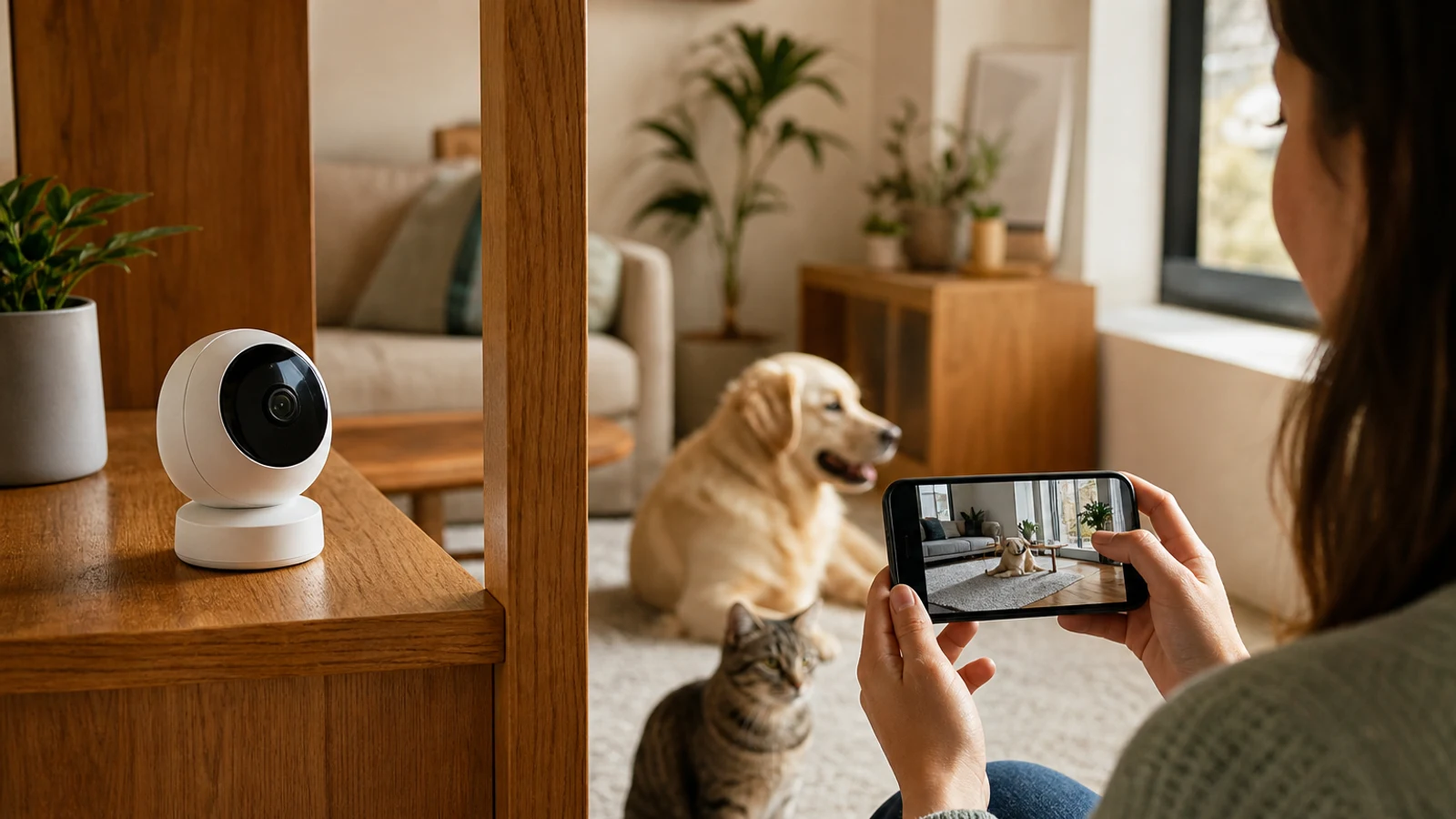
Compare options as you read
Explore options related to this guide. Check the exact product, seller, specifications and current price on Amazon. Image is illustrative.
As an Amazon Associate I earn from qualifying purchases.
4. Wyze Cam v4: Best Value And Flexible Placement
The Wyze Cam v4 is a general-purpose indoor/outdoor camera for pet owners who want core monitoring without a pet-branded device. It records at 2.5K, includes enhanced color night vision, two-way talk, motion detection, and local microSD recording. Its IP65 weather-resistant design provides more placement flexibility than indoor-only cameras when the power setup is appropriate.
Basic motion recording and advanced AI detections are separate considerations. Pet detection and richer alerts are tied to service plans, while local recording can provide continuous footage with a compatible microSD card.
The fixed view is its main limitation. It works best for a crate area, feeding station, hallway, or room where your pet spends most of the day.
- Best for: Budget shoppers and flexible placement.
- Why it stands out: 2.5K video, color night vision, and local recording.
- Main limitation: Pet-specific AI alerts generally require a paid plan.
5. Furbo 360° Dog Camera: Best For Dog-Focused Alerts
The Furbo 360° Dog Camera is the more feature-rich Furbo option for dog owners who want wider monitoring and behavior-oriented notifications. It combines 360-degree rotation, 1080p video, improved night vision, two-way audio, treat tossing, and dog-focused alerts such as barking notifications when supported by the current Furbo Nanny plan.
It fits a main living area where you want broad coverage and stronger dog-monitoring features. The rotating view can help locate a dog moving between furniture or across a wider room.
The ongoing cost is the central drawback. Its safety and recording features depend on a subscription, and it still requires constant power. It is more specialized than necessary for monitoring one crate or sleeping area.
- Best for: Dog owners who want barking and activity alerts.
- Why it stands out: 360-degree coverage and dog-focused monitoring.
- Main limitation: Subscription cost.
6. Furbo 360° Cat Camera: Best For Cat Owners
The Furbo 360° Cat Camera is designed around cats that move through several areas of a room. It offers rotating coverage, two-way audio, night vision, and treat dispensing, with app-based notifications for activity when you are away.
Its value depends on whether your cat tolerates the device and responds to treats or sounds. Rotation can help follow a cat moving from a sofa to a perch or window, and the Furbo ecosystem provides a consistent app if you add another compatible camera.
Cat-focused positioning does not guarantee that every cat will enjoy it. Some may ignore the dispenser or dislike its sounds. The subscription remains an important part of the feature set.
- Best for: Cat owners who want rotation and remote treats.
- Why it stands out: Cat-focused positioning within a mature app.
- Main limitation: Subscription costs and individual cat tolerance.
7. Enabot Rola Mini: Best Moving Camera For Interactive Monitoring
The Enabot Rola Mini moves around the home instead of rotating in place. It offers 2K video, two-way audio, motion detection, a built-in 32GB card, and support for both 2.4GHz and 5GHz Wi-Fi. Its wheeled design can cover rooms that are difficult to monitor from one elevated shelf.
The movement adds an interactive element. You can control its direction and use app-based sounds or actions to engage a pet. Built-in storage reduces dependence on cloud subscriptions, although optional cloud features may be available.
A mobile camera can be blocked by thresholds, rugs, furniture, or stairs, and some pets may be frightened by it. It also needs charging. Choose it for exploration and interaction rather than discreet, stationary monitoring.
- Best for: Owners who want a camera that moves between rooms.
- Why it stands out: Mobile design, 2K video, and local storage.
- Main limitation: Obstacles, charging, and pet comfort.
What To Look For In A Pet Camera
Start with coverage rather than resolution. A 1080p camera aimed at the right part of the room can be more useful than a sharper camera pointed at a wall. Pan-and-tilt models suit roaming pets, while fixed cameras are often simpler for crates, beds, or feeding areas.
Separate live viewing from recorded history. Many cameras offer live video without payment but restrict saved clips, activity summaries, smart alerts, or longer history to a subscription. If avoiding recurring fees matters, prioritize local storage and verify whether pet detection works without cloud processing.
Evaluate interaction carefully. Two-way audio can help, but some pets become anxious when they hear an owner without finding them. Treat dispensers are occasional enrichment, not a replacement for feeding or care. Placement, cable security, Wi-Fi, and a short trial period matter as much as the feature list.
- Choose 360-degree coverage for roaming pets and fixed placement for a crate or bed.
- Check whether alerts, cloud history, and downloads require a plan.
- Look for local storage if you want to avoid recurring fees.
- Confirm that treats fit and the dispenser works reliably.
- Keep power cords inaccessible and cameras away from water.
Which Pet Camera Should You Buy?
The Furbo Mini 360° is the most balanced choice for treats, rotation, and pet-focused alerts. The eufy Indoor Cam E220 is better for local storage and pan-and-tilt tracking without a required subscription. Choose the Petcube Bites 2 Lite when treat dispensing matters most, or the Wyze Cam v4 when value, local recording, or indoor/outdoor flexibility comes first.
Dog owners seeking richer barking and activity alerts should consider the Furbo 360° Dog Camera; cat owners may prefer the Furbo 360° Cat Camera. The Enabot Rola Mini is the niche choice for households that want the camera itself to move.
- Best overall: Furbo Mini 360°
- Best no-required-subscription option: eufy Indoor Cam E220
- Best treat dispenser: Petcube Bites 2 Lite
- Best value: Wyze Cam v4
- Best for dog alerts: Furbo 360° Dog Camera
- Best for cats: Furbo 360° Cat Camera
- Best moving camera: Enabot Rola Mini
Questions & Answers
Practical follow-up questions readers often ask before acting or buying.
Do pet cameras require a monthly subscription?
Not always. Cameras such as the eufy Indoor Cam E220 and Wyze Cam v4 support local microSD recording, but advanced alerts, cloud history, or AI features may still require a paid plan. Furbo and Petcube also offer their most advanced monitoring features through subscriptions.
Are pet cameras worth it for dogs?
They can be useful for checking whether a dog is resting, barking, or getting into trouble while you are away. They are not a substitute for exercise, supervision, a dog walker, or professional help if your dog shows severe separation distress.
Can a pet camera replace a pet feeder?
Usually not. A treat dispenser is intended for occasional snacks and interaction. If you need scheduled meals, choose a purpose-built automatic feeder and verify portion reliability separately.
Should I buy a pet camera with 360-degree rotation?
Choose 360-degree coverage if your pet moves throughout a room and you want to reduce blind spots. A fixed camera may be better for a crate, bed, feeding area, or small room because it is simpler and easier to position.
Do pet cameras work without Wi-Fi?
Most connected pet cameras require Wi-Fi for live viewing and app notifications. Some can continue recording locally if the connection fails, but remote access normally will not work until the network is restored.
Sources & Further Reading
5 Best Dog and Cat Cameras, Tested by Pet Pros
Best Pet Camera of 2026: Furbo, Petcube, and Enabot | WIRED
Tapo C225 | Pan/Tilt AI Home Security Wi-Fi Camera | TP-Link
eufy Indoor Cam E30 Pet Camera: 4K & 360° Coverage - eufy US
Find options for your needs
Explore options related to this guide. Check the exact product, seller, specifications and current price on Amazon. Image is illustrative.
As an Amazon Associate I earn from qualifying purchases.