For most homeowners, the Yale Assure Lock 2 is the most flexible choice because it supports multiple connectivity options and smart-home ecosystems. The Schlage Encode Plus is the strongest premium pick for Apple households, while the August Wi-Fi Smart Lock is the better option when you want to keep your existing exterior lock and keys. Buyers who want fingerprint access should consider the eufy Smart Lock S230 or Aqara Smart Lock U400.
What To Look For In A Smart Lock
First decide whether you want to replace the entire deadbolt or retrofit only the inside portion. Full replacements usually provide a keypad and more access methods, but they change the exterior hardware. Retrofit locks are less disruptive and can preserve your existing key, which is useful for renters or doors with unusual trim.
Connectivity affects convenience and maintenance. Built-in Wi-Fi enables remote access without an additional bridge but can require more battery attention. Bluetooth is efficient for nearby control, while Matter over Thread can suit homes with a compatible smart-home hub. Apple Home Key is convenient for iPhone and Apple Watch owners, but it is not the same as broad Android compatibility.
Also check door thickness, backset, strike-plate alignment and interior clearance. Most residential smart locks are designed for standard single-cylinder deadbolts, and a misaligned or weak door frame can undermine any lock.
- Choose retrofit installation if keeping your keys and exterior hardware matters.
- Choose built-in Wi-Fi for straightforward remote access.
- Choose Matter over Thread if you already have a compatible hub.
- Keep keypad, fingerprint and phone unlocking as convenience features alongside reliable fallback access.
Yale Assure Lock 2: Best Overall Flexibility
The Yale Assure Lock 2 is the most adaptable pick because the product family offers keyed or key-free designs and different connectivity modules. Wi-Fi versions can provide remote access through the Yale Access app, while other configurations can work with Apple Home, Alexa, Google Home, Samsung SmartThings or Z-Wave.
Yale also offers the Assure Lock 2 Plus with Apple Home Key and an Assure Lock 2 Touch with fingerprint access. These are separate variants, not features included in every Assure Lock 2. Compare the exact model number before buying.
The main drawback is configuration complexity. Features vary by module, app and hub, so shoppers must confirm what the selected package includes.
- Strength: Flexible family with multiple connectivity and access options.
- Strength: Keyed, key-free, touchscreen, keypad and fingerprint-oriented versions are available.
- Limitation: Features vary substantially by model.
- Best for: Homeowners who want broad integration choices.
Schlage Encode Plus: Best Premium Pick For Apple Home
The Schlage Encode Plus is a strong choice for Apple households that want tap-to-unlock access. It supports Apple Home Key on compatible iPhones and Apple Watches, along with a physical key, keypad codes, app control and remote access through built-in Wi-Fi. It is a full deadbolt replacement.
Its combination of familiar hardware and everyday access options is the main appeal. You can create individual codes, check lock status remotely and use voice-control integrations. It is also listed as a BHMA Grade 1 deadbolt, though no electronic lock makes a door invulnerable to forced entry.
The trade-off is premium positioning and potentially higher battery maintenance than simpler Bluetooth or hub-connected designs. Apple users should compare it with the Schlage Sense Pro and Yale Assure Lock 2 Plus.
- Strength: Apple Home Key, keypad, physical key, app and remote access.
- Strength: Built-in Wi-Fi requires no separate bridge for remote control.
- Limitation: Premium design with potentially greater battery demands.
- Best for: iPhone and Apple Watch owners who want a polished full replacement.
Compare options as you read
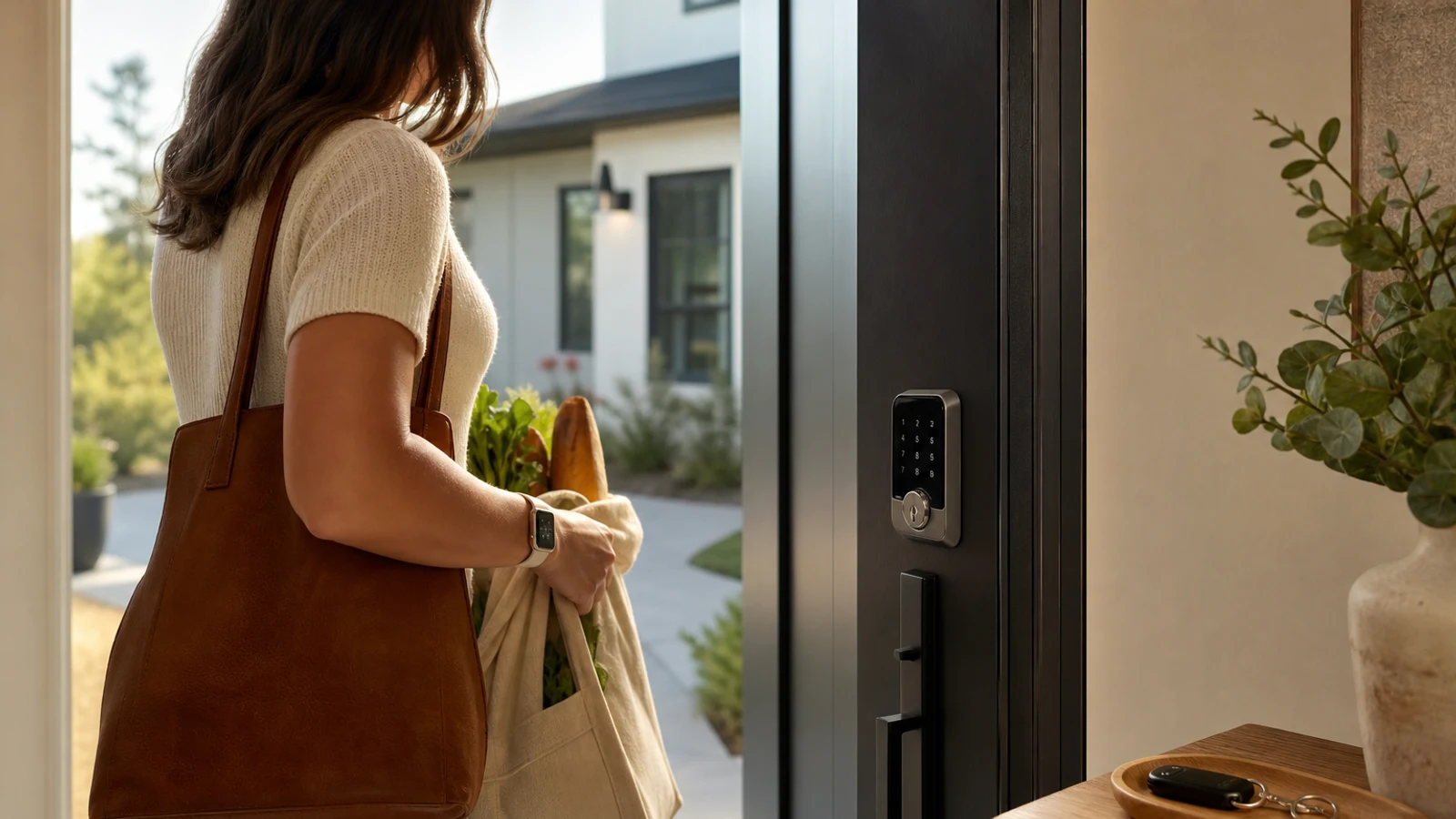
Explore options related to this guide. Check the exact product, seller, specifications and current price on Amazon. Image is illustrative.
As an Amazon Associate I earn from qualifying purchases.
Aqara Smart Lock U400: Best For Hands-Free Apple Entry
The Aqara Smart Lock U400 adds ultra-wideband approach unlocking for select iPhones and Apple Watches. It also supports Apple Home Key, fingerprints, passcodes, NFC cards, app control and a physical key.
The lock uses Matter over Thread, giving it a path into Apple Home, Google Home, Alexa, SmartThings and Home Assistant when compatible Thread-enabled Matter controllers are available. Its rechargeable battery and USB-C emergency charging are practical touches.
The distinctive hands-free feature is ecosystem-dependent. Buyers must verify device, software, hub and door compatibility. Those who only need keypad and remote access may prefer a simpler model.
- Strength: UWB approach unlocking for compatible Apple devices.
- Strength: Fingerprint, passcode, NFC, Apple Home Key and physical-key options.
- Limitation: Advanced features require specific devices, software and a Thread-enabled hub.
- Best for: Apple households wanting hands-free entry and multiple backups.
August Wi-Fi Smart Lock: Best Retrofit Choice
The August Wi-Fi Smart Lock installs on the inside of a compatible single-cylinder deadbolt, allowing you to keep the outside lock and existing keys. It is particularly appealing to renters, homeowners with matching exterior hardware and anyone who wants a less visible installation.
August offers app control, remote access, activity history, electronic guest keys and automatic locking. Phone-based auto-unlock uses Bluetooth as you approach, while built-in Wi-Fi enables control away from home. Visitors can still use the original key unless you add a keypad.
The weakness is compatibility. Mortise, rim-cylinder and interconnected locks are not supported, and the interior assembly needs sufficient clearance. Keypad access requires an accessory.
- Strength: Preserves existing exterior hardware and physical keys.
- Strength: Built-in Wi-Fi, remote access and phone-based auto-unlock.
- Limitation: Requires a compatible deadbolt and interior clearance.
- Best for: Renters and homeowners who want a discreet retrofit.
Kwikset Halo Select Plus: Best For Codes And Re-Keying
The Kwikset Halo Select Plus combines a touchscreen keypad, built-in Wi-Fi, remote access and optional Matter connectivity. It supports Apple Home Key on compatible Apple devices, Alexa, Google Home and the Kwikset app. Its strongest practical advantage is management of temporary, scheduled and permanent codes.
Kwikset’s SmartKey system lets owners re-key the physical cylinder themselves, which can help when moving into a home or matching other Kwikset locks. Door-status monitoring, activity logs and tamper or invalid-code alerts add useful control.
The touchscreen version does not provide fingerprint entry, and Matter requires a compatible hub. Buyers seeking a low-profile interior or retrofit installation should look elsewhere.
- Strength: Strong code management for families, guests and service providers.
- Strength: SmartKey re-keying simplifies physical-key changes.
- Limitation: Full replacement with a feature-specific setup.
- Best for: Households that rely on codes, scheduled access and re-keying.
Level Lock+ Matter: Best Low-Profile Design
The Level Lock+ hides its electronics inside the door, leaving the exterior and interior hardware close to a traditional deadbolt. It supports Bluetooth, Matter over Thread, Apple Home Key and major smart-home platforms when paired with a compatible hub.
Its low-profile design is the main reason to buy it. The lock also carries a BHMA Grade 1/A designation, supports physical keys and can work with the Level app or optional keypad accessories.
Keypad entry is not built in, so adding code access increases the system cost and adds another device. Matter-over-Thread remote control depends on a compatible hub, and installation requires attention to strike-plate and door alignment.
- Strength: Nearly invisible smart-lock hardware.
- Strength: Apple Home Key, Matter over Thread and Grade 1/A certification.
- Limitation: Keypad access requires a separate accessory.
- Best for: Design-conscious homeowners who want discreet Apple Home or Matter access.
eufy Smart Lock S230: Best Fingerprint Value
The eufy Smart Lock S230 targets shoppers who want fingerprint access without carrying a phone or remembering a code. It combines a fingerprint reader, touchscreen keypad, eufy app control, built-in Wi-Fi and a physical key. Its rechargeable battery and weather-resistant exterior suit a frequently used front door.
Fingerprint access is the main reason to choose it. It can be faster than entering a PIN and gives children or less technical family members another entry method. Remote app control and automatic locking provide expected connected-lock features.
The S230 is less compelling for Apple Home households because it does not offer the same Apple Home Key experience as Schlage, Yale, Aqara or Level. Fingerprint readers can also be less convenient when fingers are wet, dirty or injured, making the keypad and physical key important backups.
- Strength: Fingerprint, keypad, app and physical-key entry.
- Strength: Built-in Wi-Fi for remote access.
- Limitation: Less suited to Apple Home or Matter-focused homes.
- Best for: Families prioritizing fingerprint entry over broad integration.
How To Choose The Right One
Start with the door rather than the app. If you cannot replace the exterior deadbolt, choose the August Wi-Fi Smart Lock. For integrated keypad entry, compare Yale, Schlage, Kwikset, Aqara and eufy. If appearance matters most, Level is the standout because its hardware is hidden inside the door.
Apple users should match the lock to their priority: Schlage for a straightforward premium option, Yale for configuration flexibility, Aqara U400 for hands-free UWB entry and Level for discreet design. Android and mixed-platform households should focus on Matter support and required hubs rather than assuming Apple features transfer across platforms.
Before buying, confirm the deadbolt type, backset, door thickness, strike-plate alignment and interior clearance. Decide how you will enter if the battery is low, Wi-Fi is unavailable or your phone is lost.
- Best overall flexibility: Yale Assure Lock 2.
- Best Apple premium pick: Schlage Encode Plus.
- Best hands-free Apple pick: Aqara Smart Lock U400.
- Best retrofit: August Wi-Fi Smart Lock.
- Best for access codes: Kwikset Halo Select Plus.
- Best low-profile design: Level Lock+ Matter.
- Best fingerprint-focused pick: eufy Smart Lock S230.
Questions & Answers
Practical follow-up questions readers often ask before acting or buying.
Are smart locks secure enough for a front door?
A smart lock can be a strong convenience and access-management upgrade, but it does not replace a properly installed deadbolt, reinforced strike plate and solid door frame. Look for a recognized residential security certification, install the included hardware carefully and keep software, batteries and access codes current.
Do smart locks work when Wi-Fi goes out?
Most can still be operated locally with a keypad, fingerprint, Bluetooth connection or physical key, depending on the model. Remote access and some smart-home automations may stop working until the network returns. Review the lock’s offline entry methods before buying.
Can a renter install a smart lock?
A retrofit model such as the August Wi-Fi Smart Lock is usually the easiest renter-friendly approach because it can preserve the exterior lock and existing keys. You still need permission where required and must confirm that the existing deadbolt is compatible.
Is Apple Home Key worth prioritizing?
It can be worthwhile for households that already use iPhones or Apple Watches because tapping a device or watch can be easier than opening an app. It is less important if your household uses Android devices or primarily wants keypad and fingerprint access.
Do I need a smart-home hub?
Not always. Locks with built-in Wi-Fi can typically provide remote access without a separate bridge. Matter over Thread and some Apple Home features require a compatible Thread-enabled hub, so check the exact requirements for the lock and platform you plan to use.
Sources & Further Reading
Apple® Home Key Compatible WiFi Smart Lock | Schlage Encode Plus™
Meet the Yale Assure Lock® 2 | Best Smart Lock for your Home - Yale Home
Yale Approach™ Lock with Wi-Fi
August Wi-Fi Smart Lock | Secure Wi-Fi Lock | August Home
Lockly Visage Zeno Series | Facial Recognition Smart Lock | Lockly®
Find options for your needs
Explore options related to this guide. Check the exact product, seller, specifications and current price on Amazon. Image is illustrative.
As an Amazon Associate I earn from qualifying purchases.