
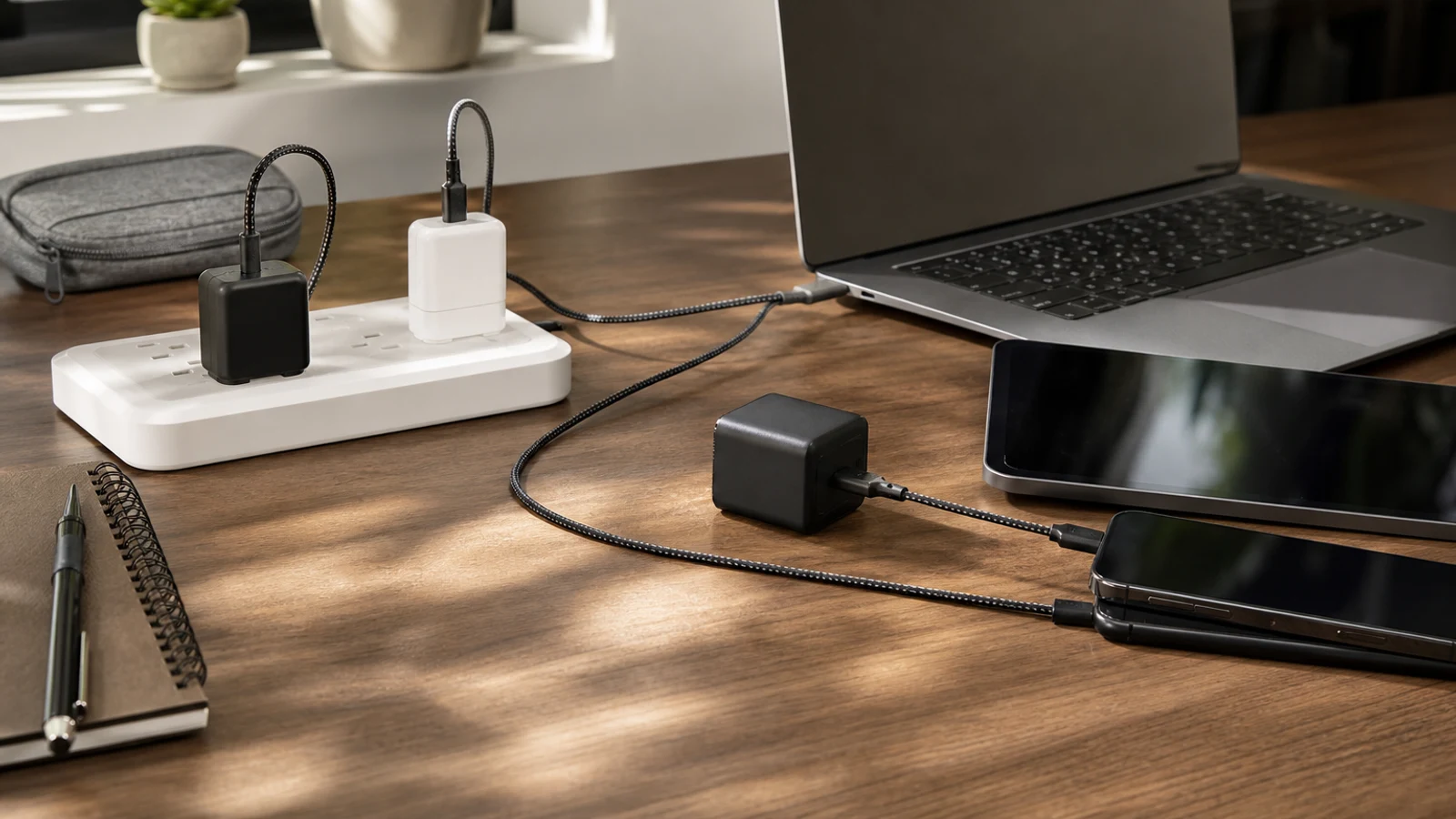
For most people, the Anker Prime Charger 100W is the most versatile choice because it combines laptop-ready output with three ports in a relatively compact design. Travelers who want a thinner charger should consider the UGREEN Nexode Pro 65W, while the Apple 70W USB-C Power Adapter is a straightforward single-port choice for MacBook Air and iPad owners. Choose a 30W–45W model for a phone, 65W–70W for most ultraportable laptops, and 100W or more for demanding laptops or simultaneous charging.
How We Chose These USB-C Chargers
This is a research-based guide built around current manufacturer specifications, compatibility information and current product coverage rather than hands-on testing. The picks prioritize USB-C Power Delivery support, useful power distribution, port selection, portability, laptop compatibility and practical limitations.
Wattage is only part of the decision. A 100W charger with one USB-C port may be less useful for a family than a 67W charger with three ports. Conversely, a small 45W charger may be ideal for a phone and tablet but underpowered for a larger laptop. The right choice is the one that matches your devices without paying for output you will rarely use.
- 30W–45W is generally appropriate for phones, earbuds and many tablets.
- 65W–70W is the practical middle ground for phones, tablets and many MacBook Air, Chromebook and ultraportable Windows laptops.
- 100W or more makes more sense for larger laptops, gaming handhelds or charging several demanding devices at once.
- A charger’s total wattage may be divided across ports when multiple devices are connected.
Anker Prime Charger 100W, 3 Ports: Best Overall
The Anker Prime Charger 100W is the strongest all-purpose option in this group for shoppers who want one charger for a laptop, phone and accessories. It has two USB-C ports and one USB-A port, with up to 100W available from a single USB-C connection and up to 89W total when all three ports are used.
That combination is more useful than a single high-output port for many everyday setups. You can connect a laptop to USB-C, a phone to the second USB-C port and an older accessory to USB-A without carrying a second brick. The compact wall design and folding-prong format also make it reasonable for travel.
The main limitation is that it does not include charging cables, and the USB-A port is limited to lower output than the USB-C ports. It is also more charger than most phone-only buyers need. Choose it if you regularly charge a laptop alongside other devices; skip it if you only need a small phone adapter.
Best For: One-brick laptop, phone and accessory charging.
- 100W maximum output from a single USB-C port.
- Two USB-C ports plus one USB-A port.
- Up to 89W total output with all three ports in use.
- Best balance of power and flexibility in this lineup.
UGREEN Nexode Pro 65W 3-Port Charger: Best Slim Travel Pick
The UGREEN Nexode Pro 65W 3-Port Charger is a good fit for travelers who want laptop capability without carrying a tall, bulky power brick. Its three-port layout combines two USB-C ports with USB-A, giving it broader compatibility than a single-port travel charger.
At 65W, it is well suited to phones, tablets and many ultraportable laptops. It can also serve as a practical hotel-room charger when you need to power several smaller devices at once. The slim form factor is the main reason to choose it: it is easier to fit behind furniture, in a crowded outlet, or in a compact tech pouch.
The trade-off is limited headroom for large laptops and demanding multi-device combinations. When several devices are connected, available power is divided, so a laptop may not receive the full rated output. This is a better travel and everyday charger than a high-performance desktop replacement.
Best For: Travelers who want a slim 65W charger with multiple ports.
- 65W class output for phones, tablets and many ultraportable laptops.
- Two USB-C ports and one USB-A port.
- Slim design is easier to pack and use in tight spaces.
- Less suitable for large laptops or heavy simultaneous loads.
Satechi 145W USB-C 4-Port GaN Travel Charger: Best For Multiple Laptops
The Satechi 145W USB-C 4-Port GaN Travel Charger is the high-output option for people who regularly charge several USB-C devices. It has four USB-C ports, with the two higher-output ports supporting up to 140W individually and the other two designed for lower-power accessories and mobile devices.
That distribution gives it a clear advantage over smaller 65W and 67W chargers. It can support a larger laptop while leaving power available for a tablet, phone or headphones. The included international plug adapters also make it more travel-oriented than a conventional desktop charger.
The downside is size, price and complexity. Most phone owners will not benefit from 145W, and the charger’s output depends on which ports are occupied. It also has no USB-A port, so older cables may require an adapter or replacement. Buy it when you have a genuine multi-device workload, not simply because the wattage number looks impressive.
Best For: Travelers, creators and households charging several USB-C devices.
- 145W total output.
- Up to 140W from either of the two high-output USB-C ports when used alone.
- Four USB-C ports and interchangeable international adapters.
- A poor value for phone-only charging.
Apple 70W USB-C Power Adapter: Best Single-Port Apple Pick
Apple’s 70W USB-C Power Adapter is the simplest choice for MacBook Air owners and Apple users who prefer a first-party charger. Apple recommends it for several MacBook Air models and some 14-inch MacBook Pro configurations, and it can also charge iPhones and iPads with the appropriate cable.
Its advantage is straightforward compatibility. There is one USB-C port, no power-sharing behavior to understand and no secondary ports competing with a laptop. Apple also states that it can fast-charge compatible MacBook Air models to around 50 percent in approximately 30 minutes under the company’s stated conditions.
The limitation is value and flexibility. The cable is sold separately, and one port means you cannot charge a phone and laptop at the same time. It is also not the right choice for a larger, power-hungry laptop that benefits from a higher-wattage adapter. Choose it for a clean Apple setup; skip it if multi-device charging matters.
Best For: MacBook Air owners who want a simple first-party charger.
- 70W single-port USB-C output.
- Apple lists compatibility with current iPhone, iPad and Mac models.
- No multi-port power-sharing to manage.
- Cable sold separately and no simultaneous charging.
Belkin BoostCharge Pro Dual USB-C GaN Wall Charger 67W: Best Compact Dual-Port Choice
The Belkin BoostCharge Pro Dual USB-C GaN Wall Charger 67W is a practical middle ground between a tiny phone charger and a larger laptop brick. It has two USB-C ports and supports up to 67W when one port is used, with power shared when both devices are connected.
The two USB-C ports are useful for a phone-and-tablet combination or a laptop-and-phone setup. Belkin also documents PPS support, which can improve compatibility with certain fast-charging Android phones. Its output is enough for many ultraportable laptops, though the laptop may receive less power when another device is connected.
This is not the best option for a household that needs three or four ports, and it lacks USB-A for older accessories. It is most appealing when you want a trusted, compact dual-USB-C charger rather than maximum output or the lowest possible price.
Best For: Two-device charging in a compact wall charger.
- 67W maximum output from one USB-C port.
- Two USB-C ports.
- PPS support is useful for compatible fast-charging phones.
- No USB-A port and limited output when both ports are occupied.
Anker Prime 67W GaN Wall Charger: Best Compact Three-Port Charger
The Anker Prime 67W GaN Wall Charger is a strong option for people who want three ports without stepping up to a 100W charger. It combines two USB-C ports with one USB-A port and can provide up to 67W from one USB-C port, with nearly the full total capacity available across three connected devices according to Anker’s specifications.
Its compact footprint makes it well suited to nightstands, office bags and travel. The USB-A port also helps if you still use older cables for headphones, watches or other accessories. For a phone, tablet and small accessory, it offers a more convenient layout than a single-port 65W charger.
The compromise is that 67W is not enough for every laptop, especially when another device is connected. It also lacks the high-output margin of the 100W Anker Prime model. Buy it when compact three-device charging matters more than laptop performance.
Best For: Phone, tablet and accessory charging in a small brick.
- 67W total capacity.
- Two USB-C ports and one USB-A port.
- Supports simultaneous charging for up to three devices.
- Better for ultraportables than large or high-performance laptops.
Anker Nano Charger 45W With Smart Display: Best For Phones And Tablets
The Anker Nano Charger 45W with Smart Display is the most phone-focused pick here. Its single USB-C port can deliver up to 45W, and the foldable design is small enough for everyday carry. The display shows charging information, while the charger also includes a care-oriented mode designed to reduce charging temperature during overnight use.
Forty-five watts is enough for many phones and tablets, including devices that need more than the basic 20W or 30W adapters. It can also provide emergency power to some smaller laptops, though it should not be treated as a universal laptop charger.
The obvious limitation is the single port. You cannot charge a phone and tablet simultaneously, and the display adds convenience rather than extra charging capacity. It is a good choice for a personal bag or bedside outlet, but families and laptop-heavy users should choose a multi-port model instead.
Best For: Phones, tablets and compact everyday carry.
- 45W maximum output with PPS profiles.
- Single USB-C port.
- Foldable design and charging-status display.
- Not intended as a full replacement for a high-wattage laptop charger.
How To Choose The Right USB-C Charger
Start with the device that needs the most power. A phone usually does not need a 100W adapter, while a laptop may charge slowly or fail to maintain its battery level if the charger is undersized. Check the wattage listed on your original charger or in the manufacturer’s specifications before buying.
Next, count the devices you realistically charge at the same time. One port is simplest and often most efficient for a laptop. Two ports work well for a laptop and phone. Three or four ports are more convenient for travel or shared household charging, but the total output must be divided among connected devices.
Also check the ports and protocols. USB-C Power Delivery is the baseline for modern phones, tablets and laptops. PPS can matter for certain Android fast-charging systems. USB-A remains useful for older cables, but it is usually not the best port for laptop charging. Finally, remember that a USB-C charger normally does not include a cable unless the product listing specifically says it does.
For most phone owners, choose 30W to 45W. For a phone-and-tablet or ultraportable-laptop setup, 65W to 70W is the useful middle ground. Choose 100W or more when you need to power a larger laptop or several high-demand devices at once.
- Match the charger to your laptop’s required wattage.
- Treat total wattage as a shared pool when using multiple ports.
- Check whether you need USB-A, PPS or international plug adapters.
- Buy a cable rated for the power you intend to use.
Questions & Answers
Practical follow-up questions readers often ask before acting or buying.
Do USB-C chargers work with both iPhones and Android phones?
Yes, a USB-C Power Delivery charger can work with both platforms when paired with the correct cable. Older iPhones may require a USB-C-to-Lightning cable, while newer iPhones use USB-C-to-USB-C cables.
How many watts should a USB-C charger have for a laptop?
Many ultraportable laptops work well with 45W to 70W, while larger laptops may need 90W, 100W or more. Check the wattage of the charger supplied with your laptop before choosing a replacement.
Can a higher-wattage charger damage a phone?
A reputable USB-C Power Delivery charger negotiates an appropriate power level with the connected device. The phone does not automatically receive the charger’s maximum wattage simply because the charger is rated for it.
Do USB-C chargers include cables?
Many wall chargers do not include a cable. Apple’s 70W adapter, for example, is sold without one. Check the package contents and use a cable rated for the charger’s intended wattage.
Is GaN better than a regular USB-C charger?
GaN, or gallium nitride, allows manufacturers to build some high-output chargers in smaller designs. It does not automatically mean a charger is faster or safer; port layout, power profiles and certification still matter.
Sources & Further Reading
Anker Nano Charger (30W) - Anker US
Anker Prime Charger (100W, 3 Ports, GaN) - Anker US
160W GaN Fast iphone Charger | 4-Port UGREEN Nexode Pro – UGREEN US