
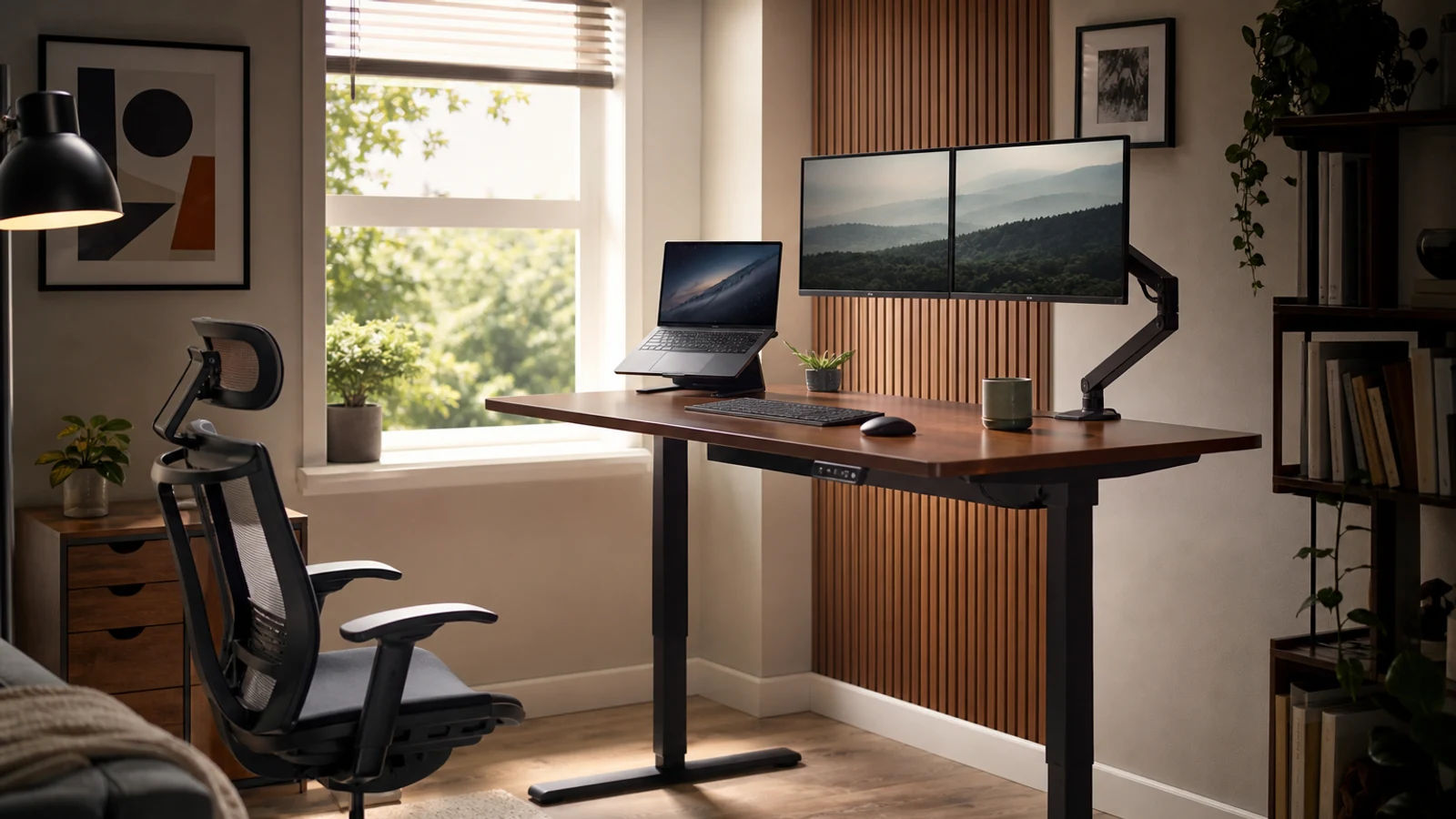
For most home offices, the UPLIFT V3 is the strongest all-around choice because it combines a broad height range, high lifting capacity, flexible desktop sizes, and a long warranty. The Branch Duo is the better compact-space pick, FEZIBO is the budget-oriented option, FlexiSpot E7 Pro is best for heavy equipment, Autonomous Desk Pro is the quiet premium pick, Vari ComfortEdge prioritizes a comfortable work surface, and Secretlab MAGNUS Pro XL suits cable-heavy gaming or creator setups.
How We Chose These Standing Desks
This is a research-based buying guide, not a report of hands-on testing. The recommendations use current manufacturer specifications, warranty information, availability signals, and the factors that matter most in a home office: height range, desktop size, lifting capacity, motor design, controls, cable management, assembly, and space efficiency.
A standing desk should let you alternate positions without forcing your monitor, keyboard, or chair into awkward locations. Stability becomes more important with monitor arms, speakers, desktop computers, or microphone booms. A compact top may fit an apartment but become cramped with two monitors and a laptop.
- Measure the full movement path, not just the desktop footprint.
- Treat published lifting capacity as a limit, not a target.
- Check the selected desktop size and frame configuration before ordering.
- A standing desk does not replace movement, proper monitor height, or a supportive chair.
1. UPLIFT V3 — Best Overall For Most Home Offices
The UPLIFT V3 is the most versatile pick here. Its frame supports desktops from roughly 42 to 80 inches wide, reaches unusually low for a full-size desk, and has a published 355-pound lifting capacity. That makes it suitable for compact single-monitor setups, large dual-monitor workstations, and shared desks.
It also offers programmable controls, anti-collision features, dual motors, and a 15-year warranty. Its broad accessory ecosystem is useful when you later add monitor arms, cable trays, CPU holders, or under-desk storage.
The limitation is choice overload. The many desktop materials, shapes, sizes, and accessories can make the final configuration expensive and complicated.
- Best for: Most home offices and buyers who want long-term configurability.
- Why it stands out: Broad size and height options with a strong accessory ecosystem.
- Drawback: Customization can increase cost and complexity.
2. Branch Duo Standing Desk — Best For Small Spaces
The Branch Duo comes in 36-by-24, 48-by-24, and 58-by-27-inch configurations, giving apartment dwellers and bedroom-office users more flexibility than a typical 60-by-30-inch desk. The smallest version suits a laptop, one monitor, or focused writing setup; the 48-inch model is safer for most computer users.
Despite its compact design, the Duo includes dual motors, collision detection, two memory presets, leveling feet, and a 275-pound weight limit. Branch lists a 28-to-47.3-inch height range and a 10-year warranty. Its frameless design also keeps the underside visually open.
The trade-off is surface area. Smaller versions leave little room for multiple monitors, speakers, and a desktop tower.
- Best for: Apartments, bedrooms, shared rooms, and narrow office corners.
- Why it stands out: Multiple compact sizes without giving up electric adjustment.
- Drawback: Smaller versions are restrictive for multi-monitor setups.
3. FEZIBO Brasa B Electric Standing Desk — Best Budget-Oriented Pick
FEZIBO’s Brasa B targets shoppers who want electric adjustment without moving into premium furniture pricing. Current configurations include 48-, 55-, and 60-inch-wide desktops with a 24-inch depth, and some versions include drawers. That provides basic storage for notebooks, chargers, and office supplies while fitting rooms where a deeper desk would intrude.
The appeal is straightforward: electric height adjustment, several desktop sizes, and storage in some configurations. The 24-inch depth can be practical in a smaller room.
FEZIBO sells multiple frame and desktop combinations, so height range, controls, drawer arrangement, and other specifications may change by variant. Verify the exact configuration before ordering. It is not the best choice for a very heavy workstation with several monitor arms and a large tower.
- Best for: First-time buyers and budget-conscious home offices.
- Why it stands out: Electric adjustment with smaller desktop and storage options.
- Drawback: Specifications vary across configurations.
4. FlexiSpot E7 Pro — Best For Heavy Equipment And Taller Users
The FlexiSpot E7 Pro is the heavy-duty choice. Its dual-motor frame has a published 440-pound static-load capacity, a 25-to-50.6-inch height range, and width adjustment for desktops from about 47.2 to 80 inches. It suits large monitor arrays, studio equipment, crafting tools, or desktop setups with substantial accessories.
The E7 Pro includes a premium keypad with a display, memory presets, child lock, and USB charging. FlexiSpot lists a 15-year warranty for the frame, motor, controller, and switch, while desktop coverage varies by material. Its broad height range also helps households with users of different heights.
High capacity does not guarantee identical stability in every configuration. A large top, tall monitor arms, uneven loading, and a heavy tower can change how the desk feels. Buyers must also choose a desktop that suits the room and cable plan.
- Best for: Heavy multi-monitor, creator, gaming, and equipment-heavy setups.
- Why it stands out: High published capacity and broad height range.
- Drawback: The frame-and-top configuration requires planning.
5. Autonomous Desk Pro — Best Quiet Premium Desk
The Autonomous Desk Pro is aimed at users who value quiet height changes and a finished workstation feel. Its specifications list a dual-motor C-frame, a 29.5-to-48.5-inch height range, a 330-pound capacity, anti-collision protection, and a motor-noise claim below 30 decibels. It is available with 53-inch or 70.5-inch tops.
The C-frame leaves the front open for knee clearance, while the thick HDF top gives the desk a substantial appearance. Autonomous lists a lifetime frame warranty and a two-year top warranty. It is a sensible option for shared rooms, video-call spaces, and bedrooms where motor noise could distract.
The minimum height is not as low as the UPLIFT V3 or some three-stage frames, so shorter users should compare seated elbow height carefully. The 53-inch top can also fill quickly with two monitors, speakers, and a laptop dock.
- Best for: Quiet home offices and users who want a polished, substantial desk.
- Why it stands out: Low published motor-noise figure and lifetime frame warranty.
- Drawback: The minimum height and smaller top may not suit everyone.
6. Vari Electric Standing Desk With ComfortEdge — Best For A Comfortable Front Edge
Vari’s ComfortEdge model focuses on the desk’s front edge. Its contoured design is intended to make typing and mousing more comfortable, while the electric frame provides a 25-to-50.5-inch height range, four programmable positions, and a 180-pound capacity for the 72-by-30-inch version. Vari also lists a lifetime warranty and safety sensors.
This suits buyers who want a conventional office-desk feel rather than an equipment platform. The 72-by-30-inch surface provides room for monitors, documents, and a laptop, though its size makes it unsuitable for narrow rooms.
The lower capacity is the main trade-off. It works for a normal office setup but leaves less headroom for heavy monitor arms and studio gear.
- Best for: Traditional home offices and buyers who value a comfortable desk edge.
- Why it stands out: Contoured front edge, four presets, and lifetime warranty.
- Drawback: Lower capacity and limited compactness.
7. Secretlab MAGNUS Pro XL — Best For Cable-Heavy Gaming And Creator Setups
The Secretlab MAGNUS Pro XL is a specialist desk for people frustrated by cable clutter. It combines a 70-by-31.5-inch work surface with an integrated cable-management tray, magnetic accessories, and a power-supply column that routes power through the desk leg. Its height range is 25.6 to 49.2 inches, with three programmable presets and a 265-pound distributed-load capacity.
The XL format accommodates multiple monitors, speakers, microphones, and other peripherals. Integrated power and cable routing are more cohesive than adding separate trays later. The desk also has steel construction and a five-year warranty.
The metal top and integrated ecosystem limit freedom to swap in a favorite desktop. The desk is heavy, needs a generous room, and can become more expensive with ecosystem accessories. Choose it for organization and setup aesthetics, not simply because it is large.
- Best for: Gaming, streaming, and creator setups with many cables.
- Why it stands out: Integrated power routing and complete cable management.
- Drawback: Large, heavy, and more ecosystem-dependent than a conventional frame.
How To Choose The Right Standing Desk
Start with seated height. Your elbows should stay close to your sides, with forearms roughly level and shoulders relaxed. Then confirm the desk rises high enough for standing without forcing your wrists upward. If several people will use it, prioritize a broad adjustment range.
Calculate the real load, including the desktop, monitors, arms, speakers, computer, laptop, dock, microphone, and stored items. Keep heavier equipment centered and check whether the published capacity includes the desktop itself.
Measure the room in three dimensions. Leave clearance for the full travel path, including shelves, windowsills, drawers, wall-mounted screens, and cable slack. In a small room, a smaller desk paired with a monitor arm may be more practical than a large desk pressed against furniture.
- Choose a three-stage frame if low seated height or broad adjustment matters.
- Choose dual motors for larger tops and heavier equipment.
- Prioritize cable management in bedrooms or shared rooms.
- Buy an anti-fatigue mat only after confirming desk height and floor clearance.
- Alternate sitting and standing rather than standing all day.
Who Should Skip A Standing Desk
A standing desk may not solve problems caused by an unsuitable chair, monitor height, keyboard angle, or poor lighting. Height adjustment cannot correct every ergonomic issue, and prolonged standing is not automatically comfortable or healthy.
Skip the electric upgrade if you rarely change positions, lack safe clearance for the moving top, or cannot route cables without creating a snag hazard. A fixed desk with a separate sit-stand converter may be more practical in a very small space, though converters reduce usable surface area and add weight to the existing desk.
Questions & Answers
Practical follow-up questions readers often ask before acting or buying.
What is the best standing desk for most home offices?
The UPLIFT V3 is the strongest general-purpose choice because it combines a broad height range, 355-pound lifting capacity, many desktop sizes, extensive accessories, and a 15-year warranty. It is not the cheapest or simplest option, but it is easy to configure around different home-office needs.
What is the best compact standing desk?
The Branch Duo is the best compact pick because it comes in 36-, 48-, and 58-inch widths and has a 24-inch-deep option. Choose the smallest size only for a laptop or single-monitor setup; most computer users will have an easier time with the 48-inch version.
Are standing desks good for posture?
A standing desk can make it easier to change positions, but it is not a posture cure. Set the monitor near eye level, keep the keyboard and mouse comfortable, alternate sitting and standing, and move throughout the day. If standing causes persistent pain, consult a qualified clinician.
How much should a standing desk hold?
Add the weight of the top, monitors, arms, computer, speakers, and accessories, then leave headroom rather than operating close to the published limit. A normal laptop setup needs far less capacity than a workstation with several monitors, a desktop tower, and studio equipment.
Is a 24-inch-deep standing desk enough?
It can be enough for a laptop or one monitor, especially in a small room. For two monitors, a large display, speakers, or papers, a 27- to 30-inch depth is generally easier to arrange without pushing the screen too close to your face.
Should I buy a standing desk frame and desktop separately?
A frame-and-top configuration gives you more control over size, materials, and replacement options. A complete desk is easier for buyers who want matching components and a simpler purchase. If buying separately, verify desktop thickness, mounting compatibility, total weight, and cable-routing space.
Sources & Further Reading
I've tested more than 27 standing desks and these are the best ones for your home office
Mini Ryzer – Small Adjustable Standing Desk – Progressive Desk
Duo Standing Desk | Compact Standing Desk | Branch
E7 Plus Four Leg Standing Desk | Flexispot
L-Shape Corner Electric Standing Desk | Height Adjustable Desks | Vari