
The CalDigit TS4 is the strongest all-around choice for many home offices because it combines broad connectivity, 2.5Gbps Ethernet, card readers and high laptop charging. Choose the CalDigit TS5 for a Thunderbolt 5 computer, the Plugable TBT4-UDZ for a Windows multi-monitor setup, or the Dell SD25TB4 for a Dell-focused workstation.
How To Choose A Home-Office Dock
A docking station connects your laptop to monitors, wired Ethernet, keyboards, webcams, storage and other peripherals while often charging it through one cable. For a permanent desk, a full dock with its own power supply is usually more useful than a compact travel hub.
Start with the laptop’s port and display capabilities. Thunderbolt 4 and Thunderbolt 5 docks support fast data and multiple displays, but the computer still determines how many monitors can run and at what resolution. A dock cannot override limitations imposed by a Mac chip, Windows graphics hardware or a basic USB-C port.
Power delivery matters too. A dock rated around 90W to 100W suits many productivity laptops, while some high-performance Dell or workstation models may benefit from higher manufacturer-specific charging. Check whether advertised wattage applies to your laptop and whether connected accessories affect available power.
- Choose Thunderbolt or USB4 for fast storage, multiple displays and demanding desks.
- Check Mac display support separately; port count does not guarantee every output will work.
- Prioritize 2.5Gbps Ethernet for large local-network transfers or fast wired connections.
- Choose ports you will keep connected, including USB-A, USB-C, SD or microSD as needed.
1. CalDigit TS5: Best For Thunderbolt 5 Home Offices
The CalDigit TS5 is the most forward-looking option here for a Thunderbolt 5 computer. It provides four Thunderbolt 5 ports, USB-C and USB-A, UHS-II SD and microSD readers, 2.5Gbps Ethernet and multiple audio connections. Its host connection can deliver up to 140W.
It suits users connecting fast external SSDs, high-resolution displays, card readers and several accessories. It is backward-compatible with Thunderbolt 4, USB4 and some USB-C systems, although older hosts will not receive Thunderbolt 5 performance. USB-C fallback can also reduce display and data capabilities.
Best for: Thunderbolt 5 laptops, fast storage and high-bandwidth desks. Skip it if your laptop is limited to standard USB-C or your setup is simple.
- Strengths: Thunderbolt 5, up to 140W host charging, 2.5Gbps Ethernet and UHS-II readers.
- Limitation: More capability and cost than many ordinary home offices require.
2. CalDigit TS4: Best Overall For Most Power Users
The CalDigit TS4 emphasizes useful connectivity, with three Thunderbolt 4 ports, USB-C and USB-A, DisplayPort, 2.5Gbps Ethernet, SD and microSD readers, audio connections and up to roughly 98W of host charging under documented conditions.
It fits a desk with two monitors, wired networking, external drives, a webcam and occasional camera-card transfers. It works across many Thunderbolt and USB4 computers, though display behavior remains host-dependent. Mac users must check the laptop’s display support.
The drawback is the lack of built-in HDMI, so some monitors may need DisplayPort cables or adapters. The TS5 is more logical for a new Thunderbolt 5 workstation, but the TS4 is easier to justify for established Thunderbolt 4 desks.
Best for: Broad connectivity, fast Ethernet and mixed Mac or Windows setups. Skip it if you need native HDMI or only a few basic ports.
- Strengths: Port variety, 2.5Gbps Ethernet, dual card readers and strong charging.
- Limitation: No native HDMI output or Thunderbolt 5 bandwidth.
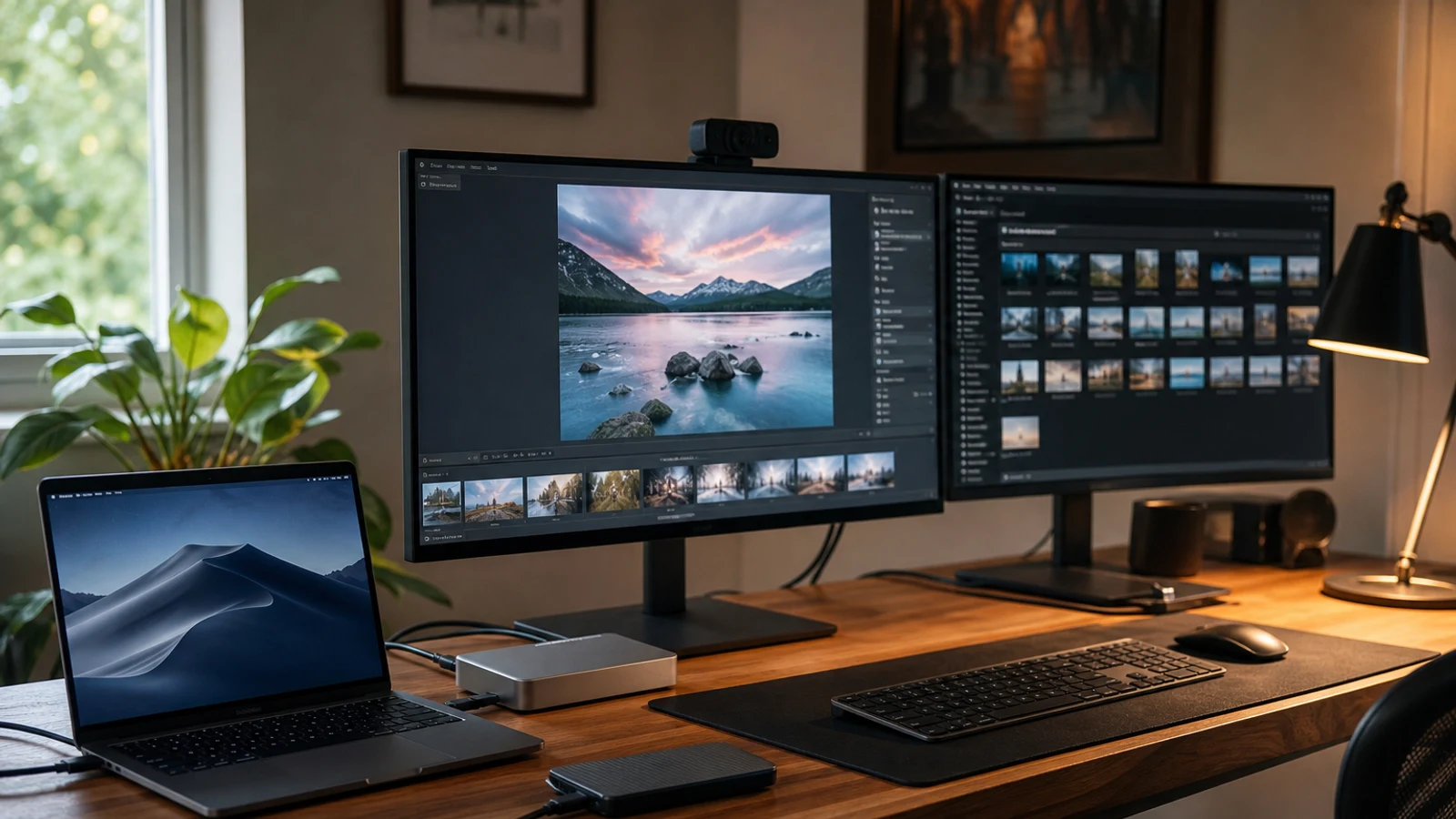
Compare options as you read
Explore options related to this guide. Check the exact product, seller, specifications and current price on Amazon. Image is illustrative.
As an Amazon Associate I earn from qualifying purchases.
3. Plugable TBT4-UDZ: Best For Windows Multi-Monitor Workstations
The Plugable TBT4-UDZ is designed for Windows home offices that need several displays. It combines Thunderbolt 4 and USB4 compatibility with four dedicated display outputs, fast USB ports, UHS-II SD and microSD readers, 2.5Gbps Ethernet and up to 100W-class charging. Under qualifying Windows configurations, it can support up to four 4K displays at 60Hz.
It is useful for analysts, developers, traders, video editors and others who want several large work areas. It also supports certain Thunderbolt 3, Thunderbolt 4, Thunderbolt 5 and USB4 systems.
Four-display capability is not universal. Mac support is more restricted, and USB-C may provide fewer functions than Thunderbolt or USB4. Confirm the laptop, graphics and operating-system requirements before buying.
Best for: Windows users who need three or four external displays. Skip it if you use a base-model Mac or need only one or two screens.
- Strengths: Multi-monitor design, 2.5Gbps Ethernet, card readers and broad host compatibility.
- Limitation: Display support varies by computer and operating system.
4. Dell Pro Thunderbolt 4 Smart Dock SD25TB4: Best For Dell Laptops
The Dell Pro Thunderbolt 4 Smart Dock SD25TB4 is the clearest choice for a Dell-centered office. It supports up to 130W for compatible Dell computers and up to 96W for non-Dell systems. Connections include two DisplayPort outputs, HDMI 2.1, USB-C display output, two Thunderbolt 4 ports, several 10Gbps USB ports and 2.5Gbps Ethernet.
It can support up to four external displays in suitable configurations and adds remote management, wake functions and MAC address pass-through on supported systems. These features matter more for managed workstations than personal laptops.
Its main weakness is brand-specific value. Non-Dell owners can use it, but some charging and management features are tied to Dell hardware. Display support also depends on laptop graphics.
Best for: Dell laptops, business users and flexible display setups. Skip it if you use a Mac or want a simple low-cost dock.
- Strengths: Up to 130W Dell charging, four-display support and fleet-management features.
- Limitation: Best features are concentrated within the Dell ecosystem.
5. UGREEN Revodok Max 213: Best For Fast Storage And Expansion
The UGREEN Revodok Max 213 suits creators and power users who prioritize fast storage and expansion. It includes an upstream Thunderbolt 4 connection, two downstream Thunderbolt 4 ports, 2.5Gbps Ethernet, DisplayPort, USB-C and USB-A, SD and TF readers, audio and a 180W power supply.
The downstream Thunderbolt ports can connect fast SSDs, displays or other high-bandwidth accessories without consuming every laptop connection. Card readers also make it practical for moving large files.
The display layout is less convenient than docks with several HDMI or DisplayPort outputs. UGREEN documents limitations for Apple silicon Macs, including single-display behavior on several M-series configurations. Its larger power supply may also be excessive for a minimalist desk.
Best for: Fast external drives, card transfers and Thunderbolt expansion. Skip it if you need several native HDMI outputs or a compact dock.
- Strengths: Two downstream Thunderbolt 4 ports, 2.5Gbps Ethernet, card readers and 180W supply.
- Limitation: Apple display support and monitor configuration require careful checking.
6. Microsoft Surface Thunderbolt 4 Dock: Best For Surface Users
The Microsoft Surface Thunderbolt 4 Dock is the natural choice for Surface owners. It provides up to 96W of power passthrough, 2.5Gbps Ethernet, three USB-A ports, three USB-C or Thunderbolt 4 ports and 3.5mm audio. With a supported Thunderbolt 4 connection, it can drive up to two 4K displays at 60Hz.
Surface-specific management, firmware and security features make it more attractive for Surface devices than a generic dock. It can work with other Thunderbolt 4 or USB4 PCs, though non-Surface users may receive less integration.
There are no built-in HDMI or DisplayPort connectors, so monitor cables or adapters may be needed. Older Surface devices using standard USB-C have reduced display and data capabilities.
Best for: Surface Laptop, Surface Pro and Surface Laptop Studio owners. Skip it if you need native video outputs, SD readers or many USB-A ports.
- Strengths: Surface integration, 96W passthrough, 2.5Gbps Ethernet and management options.
- Limitation: No native HDMI or DisplayPort outputs.
7. Anker 778 Thunderbolt Docking Station: Best For A Narrow Four-Display Setup
The Anker 778 is built around HDMI 2.1, two DisplayPort outputs and a downstream Thunderbolt 4 port. It supports up to 100W laptop charging, includes two 30W USB-C charging ports and can connect up to four external displays in supported Windows configurations.
This layout works well when monitors already use HDMI and DisplayPort. The dock also includes 10Gbps USB-C ports and Gigabit Ethernet for common office accessories.
Compatibility requires caution. Anker specifies a Thunderbolt 4 host and documents exclusions or limitations for certain MacBook and AMD-based systems. Quad-display output can also use lower refresh or resolution combinations, and the dock lacks 2.5Gbps Ethernet and card readers.
Best for: Compatible Thunderbolt 4 Windows laptops with several HDMI or DisplayPort monitors. Skip it if you need broad USB-C compatibility, fast Ethernet or Mac flexibility.
- Strengths: Four display outputs, HDMI 2.1, downstream Thunderbolt 4 and USB-C charging.
- Limitation: Narrower host compatibility and only Gigabit Ethernet.
What To Check Before Buying
Confirm the laptop’s exact port standard, not just whether it has USB-C. Thunderbolt 4, USB4 and USB-C DisplayPort Alt Mode can produce different results. Check maximum supported displays, especially with a MacBook, ARM-based Windows laptop or older system.
Then verify cables and monitor inputs. A dock’s advertised display capability depends on the host, cable standard, refresh rate and display compression support. For wired networking or external SSD performance, confirm Ethernet and downstream USB or Thunderbolt specifications.
For most home offices, the CalDigit TS4 is the safest broad recommendation. The TS5 is better for Thunderbolt 5, while the Plugable TBT4-UDZ suits four-display Windows setups. Brand-specific docks make the most sense when their management and charging features match your laptop.
Questions & Answers
Practical follow-up questions readers often ask before acting or buying.
Are Thunderbolt docking stations worth it for a home office?
They are worth considering when you need multiple displays, fast external storage, wired Ethernet and one-cable laptop charging. If you only need one monitor and a few USB accessories, a less expensive USB-C hub may be sufficient.
Can any docking station support two or four monitors?
No. Monitor support depends on the dock, laptop, operating system, graphics hardware, connection standard and display configuration. Check the exact laptop model before relying on a dock’s maximum display claim.
Is Thunderbolt 5 better than Thunderbolt 4 for office work?
Thunderbolt 5 provides more bandwidth and can be useful for high-resolution displays, fast storage and demanding expansion. For email, documents, video calls and one or two ordinary monitors, Thunderbolt 4 is usually adequate.
Do docking stations charge laptops?
Most full-size docks include a power supply and send power to the laptop through the host cable. The available wattage varies, and some high-performance laptops may still require their original charger.
Will a Thunderbolt dock work with a regular USB-C laptop?
Sometimes, but functions can be reduced. A USB-C port may support only one display, lower data speeds or no laptop charging. Always check the dock’s documented fallback behavior for the specific computer.
Sources & Further Reading
The 6 Best Laptop Docking Stations to Unlock the Full Desktop Experience (2026) | WIRED
Plugable Thunderbolt 4 & USB4 HDMI Docking Station with 96W Charging ~ Plugable Technologies
Best Thunderbolt docks 2026: Thunderbolt 4, 5, USB4 picks | PCWorld
Plugable USB-C Triple Display 4K HDMI and DisplayPort Docking Station
Find options for your needs
Explore options related to this guide. Check the exact product, seller, specifications and current price on Amazon. Image is illustrative.
As an Amazon Associate I earn from qualifying purchases.