
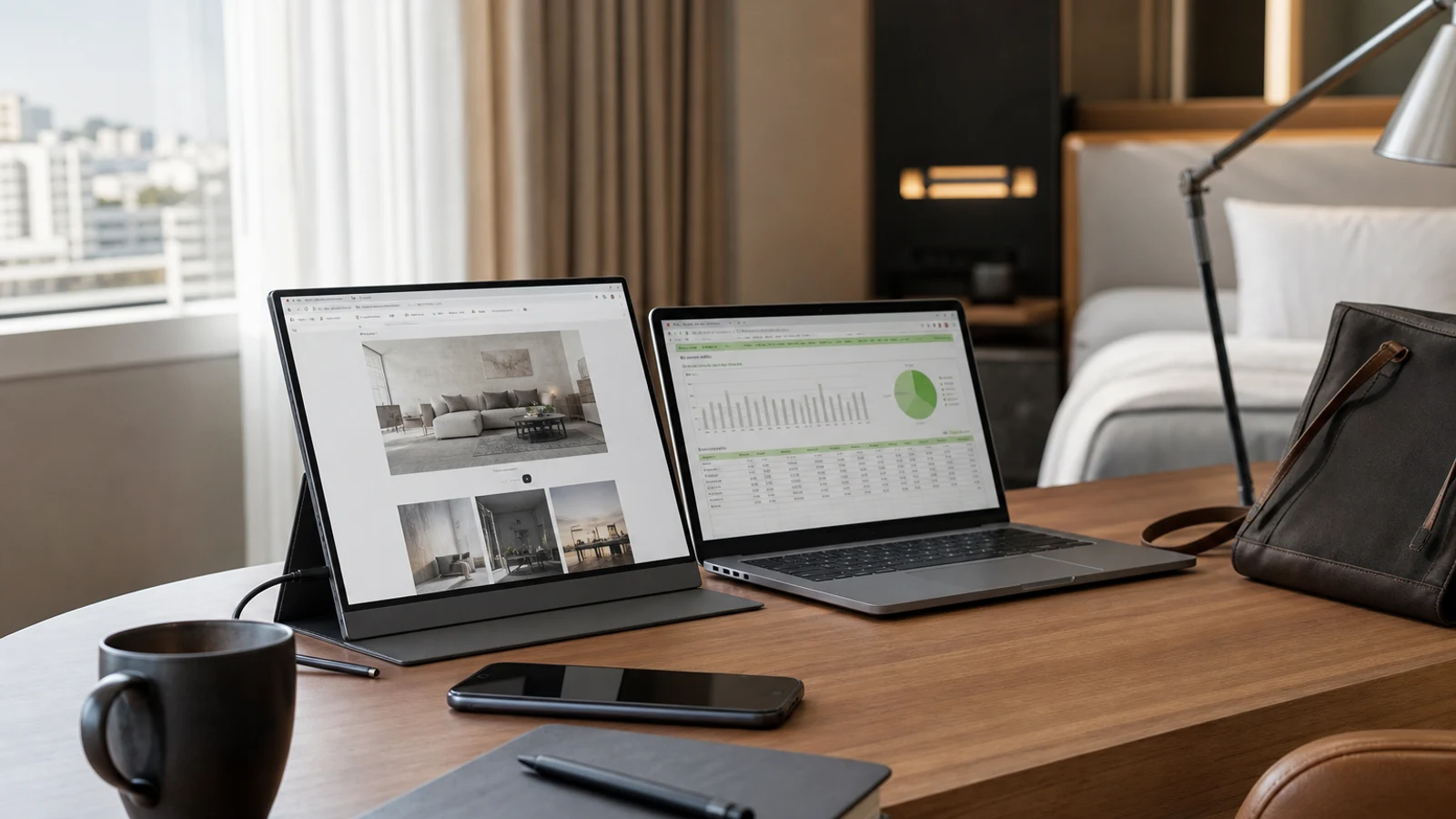
For most laptop users, the ViewSonic TD1656-2K offers the strongest balance of screen space, sharpness, touch input and travel-friendly design. Choose the Dell Pro 14 Plus P1425 if minimum weight matters, the MSI PRO MP165 E6 for a lower-cost second screen, the ViewSonic VX1655-4K-OLED for creative work, or the ASUS ZenScreen MB27ACF for a large display that can still move between workspaces.
What To Look For In A Portable Monitor
A portable monitor is usually a companion display rather than a self-contained computer. Most need a laptop, tablet, game console or other video source, and many draw power through USB-C. Your laptop must support video over USB-C, often called DisplayPort Alt Mode, unless you plan to use HDMI with separate power.
Weight and stand design matter as much as resolution. A display can be frustrating if its cover slips, its kickstand has limited adjustment or its power cable occupies the only convenient port. A 14- to 16-inch screen is generally easier to pack than a 27-inch model, which is better treated as a movable desk monitor.
Full HD is generally adequate for email, documents and video calls. 2K or 4K can make text, photos and spreadsheets sharper, but higher resolution can increase power use and scaling requirements. For gaming, refresh rate matters more than it does for office work.
- Check whether your laptop's USB-C port supports video output.
- Confirm whether one cable provides both power and video.
- Compare carry weight with the stand or cover attached.
- Look for a stable kickstand, portrait support and a compact case.
The 7 Best Portable Monitors
These research-based recommendations use current product specifications and independent testing or review coverage. They are organized by buyer and use case rather than by a universal ranking.
- ViewSonic TD1656-2K — Best Overall For Productivity
- Dell Pro 14 Plus P1425 — Best For Frequent Travel
- Lenovo ThinkVision M14t Gen 2 — Best Touchscreen Work Monitor
- MSI PRO MP165 E6 — Best Budget Portable Monitor
- Arzopa Z3FC — Best For Portable Gaming
- ViewSonic VX1655-4K-OLED — Best For Creative Work
- ASUS ZenScreen MB27ACF — Best Large Portable Monitor
ViewSonic TD1656-2K: Best Overall For Productivity
The ViewSonic TD1656-2K is a strong all-around choice for people who want more working room without carrying a full-size desktop monitor. Its 16-inch 16:10 touchscreen uses a 2560-by-1600 resolution, giving documents and web pages more vertical room than a typical 16:9 Full HD panel. Two USB-C ports and passive-stylus support add flexibility for navigation and marking up documents.
This is the most balanced pick for sharp text, touch support and practical laptop use. The main limitation is its carry weight once the stand is included. Buyers doing serious photo or video work should consider a more color-focused display.
- Best for: Remote work, spreadsheets, presentations and touch-friendly setups.
- Why it stands out: Sharp 16:10 touchscreen with flexible USB-C connectivity.
- Watch out for: Heavier carry weight than simpler 14-inch travel screens.
Dell Pro 14 Plus P1425: Best For Frequent Travel
The Dell Pro 14 Plus P1425 suits travelers who want a second screen without turning a laptop bag into a mobile office. Its 14-inch, 1920-by-1200 IPS display is smaller than many 15.6-inch monitors, but easier to fit into a narrow bag. Its listed weight with stand is about 1.36 pounds, and it uses two USB-C ports.
This is the practical choice for business trips, coffee shops and temporary workspaces where setup speed and low carry weight matter more than premium contrast or gaming performance. The trade-off is less screen area for large spreadsheets.
- Best for: Frequent flyers, commuters and compact laptop bags.
- Why it stands out: Relatively light design with a useful 16:10 work resolution.
- Watch out for: Less workspace than 15.6- or 16-inch alternatives.
Lenovo ThinkVision M14t Gen 2: Best Touchscreen Work Monitor
The Lenovo ThinkVision M14t Gen 2 fits users who specifically want touch interaction and pen support in a slim work monitor. It has a 14-inch 2240-by-1400 IPS touchscreen, two USB-C ports and support for the included stylus. Its higher-than-Full-HD resolution should keep text crisp in a compact footprint.
It makes sense for annotating documents, using creative applications or navigating a secondary screen by touch. It is less compelling if you will never use touch, and compatibility deserves attention because touch features can depend on the operating system and connection method.
- Best for: Annotation, presentations, touch navigation and pen input.
- Why it stands out: Compact high-resolution touchscreen with stylus support.
- Watch out for: Touch features may be limited by USB or operating-system support.
MSI PRO MP165 E6: Best Budget Portable Monitor
The MSI PRO MP165 E6 is a straightforward choice for shoppers who want an inexpensive second screen for basic work. It uses a 15.6-inch 1920-by-1080 IPS panel and offers USB-C plus HDMI. HDMI is useful when a laptop, mini PC, console or other source does not support video over USB-C.
It handles email, browser windows, documents and video calls without adding touch, 4K or a high refresh rate. Budget models can involve compromises in stand quality, color performance and chassis refinement, so this is not the choice for color-critical editing.
- Best for: Students, occasional travelers and basic office work.
- Why it stands out: Full HD design with USB-C and HDMI inputs.
- Watch out for: More modest image quality and build refinement.
Arzopa Z3FC: Best For Portable Gaming
The Arzopa Z3FC brings a higher refresh rate to the portable-monitor category. Its 16.1-inch 2560-by-1440 IPS display is listed with a 180Hz refresh rate, two USB-C ports and mini HDMI. That combination makes it more interesting for gaming laptops, handheld systems and consoles than a basic 60Hz office monitor.
It can also serve productivity users who value sharper text and a larger canvas, but the high refresh rate is the reason to choose it. The benefit depends on whether your computer or console can deliver high frame rates.
- Best for: Gaming laptops, handheld consoles and high-refresh setups.
- Why it stands out: 1440p resolution and 180Hz refresh rate in a portable format.
- Watch out for: Extra gaming capability may be wasted for office work.
ViewSonic VX1655-4K-OLED: Best For Creative Work
The ViewSonic VX1655-4K-OLED is the premium image-quality choice here. It combines a 15.6-inch 3840-by-2160 OLED panel with two USB-C ports and mini HDMI. Independent coverage highlights its sharpness, color performance, contrast and portable design, while current listings identify a lightweight chassis and built-in stand.
It suits photographers, designers, video editors and anyone wanting a screen closer to a premium laptop display. The drawbacks are its premium cost, 60Hz refresh rate and weak built-in audio. For email and spreadsheets alone, the premium is difficult to justify.
- Best for: Photo editing, video work and high-resolution visual content.
- Why it stands out: 4K OLED image quality in a travel-friendly format.
- Watch out for: Premium cost, 60Hz refresh rate and weak built-in audio.
ASUS ZenScreen MB27ACF: Best Large Portable Monitor
The ASUS ZenScreen MB27ACF stretches the definition of portable, but it helps people who move between offices, meeting rooms and shared workspaces. Its 27-inch 2560-by-1440 display provides substantially more room for collaboration and multitasking than conventional travel screens. It also includes a fold-out stand and mounting accessories for desk and cubicle use.
This is a movable large monitor rather than one for frequent airline travel. Its 70-watt USB-C power delivery, 1440p resolution and large canvas suit a temporary workstation. Its size, higher price relative to ordinary desktop monitors and less impressive color performance than a creator-focused display are the main drawbacks.
- Best for: Shared offices, presentations, collaboration and small permanent desks.
- Why it stands out: Large screen with flexible desk-mounting options.
- Watch out for: Too bulky for everyday travel and not the best value for image quality alone.
Important Trade-Offs Before You Buy
Decide whether you need a genuinely portable screen or one that only moves occasionally. For a backpack, prioritize weight, cover design and one-cable operation. For moving between rooms or offices, a larger model such as the ASUS may be more useful despite its size.
Power can be a frequent source of frustration. Many portable monitors lack internal batteries and draw power from the laptop, reducing battery life. A USB-C charger or power bank can simplify travel, but the monitor, laptop and charger must support the required power and video standards.
Do not assume every USB-C port supports video. Some provide charging or data only. If your laptop lacks DisplayPort Alt Mode, choose HDMI support or use a compatible adapter. Cable length, adapter reliability and port placement can matter more in daily use than a small specification difference.
- Choose 14 inches for maximum portability, 15.6 to 16 inches for balance, and 27 inches for desk-first use.
- Choose 2K or 4K for sharper text or creative work; Full HD is adequate for basic office tasks.
- Choose touch only if you have a clear use for it.
- Prefer a stable built-in stand or well-designed cover.
Who Should Skip A Portable Monitor
A portable monitor is not automatically a productivity upgrade. Skip one if you rarely work away from a permanent desk, already have enough laptop screen space, or dislike carrying extra cables. A conventional desktop monitor usually provides a larger image, better ergonomics and more stable positioning.
Be cautious if your laptop has limited USB-C ports, cannot output video over USB-C or has weak battery life. The monitor may then require a hub, HDMI cable, wall power or separate battery, making the setup less convenient than expected.
- Skip it if you want a self-contained tablet; portable monitors generally need a video source.
- Skip it if you need a height-adjustable ergonomic display for all-day use.
- Skip cheap unknown models when color accuracy, durability or dependable support matters.
Questions & Answers
Practical follow-up questions readers often ask before acting or buying.
Do portable monitors work without a laptop?
Usually not. Most portable monitors are displays rather than standalone computers and need a laptop, tablet, game console, mini PC or another video source. Some may accept a phone or tablet, but compatibility depends on the device and connection.
Can one USB-C cable power and connect a portable monitor?
Sometimes. The laptop's USB-C port must support video output, and the monitor must receive power and video through that connection. Some setups need a second USB-C cable or wall charger, especially at higher brightness or resolution.
Is a 14-inch or 16-inch portable monitor better for travel?
A 14-inch model is easier to pack and usually lighter. A 16-inch model offers more workspace for spreadsheets or multitasking. Frequent travelers should prioritize total bag weight, while remote workers may prefer the larger screen.
Are portable monitors good for gaming?
They can be, especially models with 1440p resolution and refresh rates above 60Hz. Check that your laptop, handheld or console can output the required resolution and frame rate. For office work, refresh rate is less important than a stable stand and clear text.
Do portable monitors have built-in batteries?
Most do not. They typically draw power from the laptop or a separate USB-C charger. A model without an internal battery can be lighter, but it may reduce laptop battery life during travel.
Sources & Further Reading
Best Portable Monitors (2026): Add a Second Screen I've Tested | WIRED
Dell Pro 14 Plus Portable Monitor with USB-C | Dell USA
Lenovo ThinkVision M14t Gen2 Review - RTINGS.com
The 3 Best Portable Monitors of 2026 - RTINGS.com
16” LG gram +view IPS Portable Monitor - 16MR70.ASDU1 | LG USA